
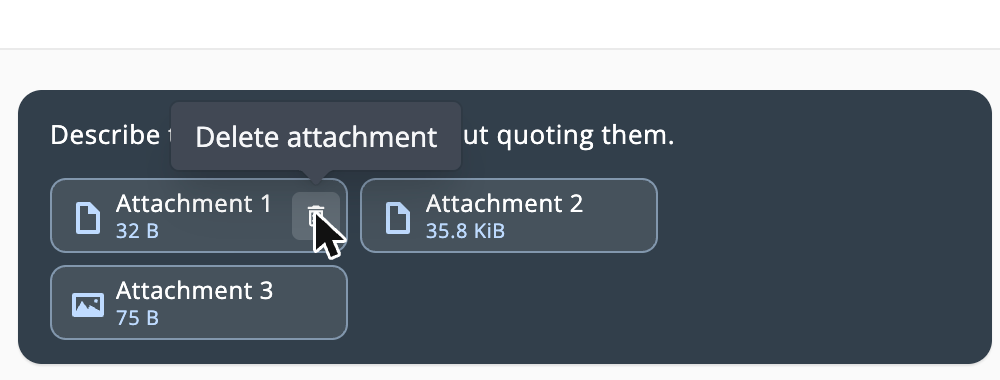
Delete a file after you've sent it to the Assistant, and its stored copy and extracted text are removed. Deleting a conversation now deletes its attachments too.
The Assistant now runs on an upgraded model, and most requests finish faster.

Play a well's or plate's observations as a timelapse and export it as an MP4 (early access).

Compare each well's morphology measurements against a baseline observation, with threshold overlays, tooltips and box plots you can download as PNG or CSV (early access).

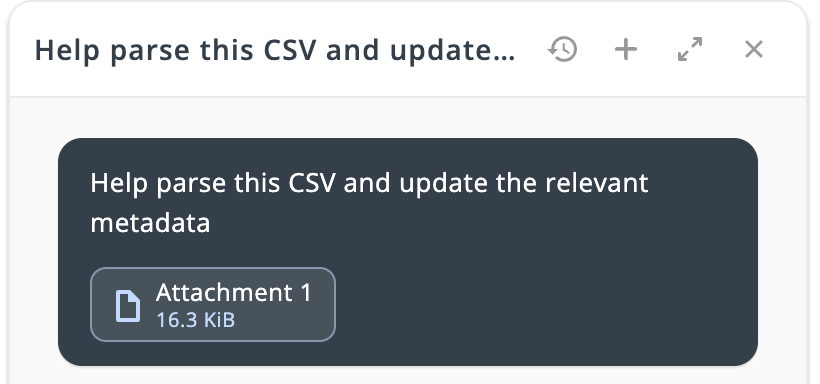
Attach a CSV and the Assistant previews which plates and cultures would change, then writes custom metadata after one approval.
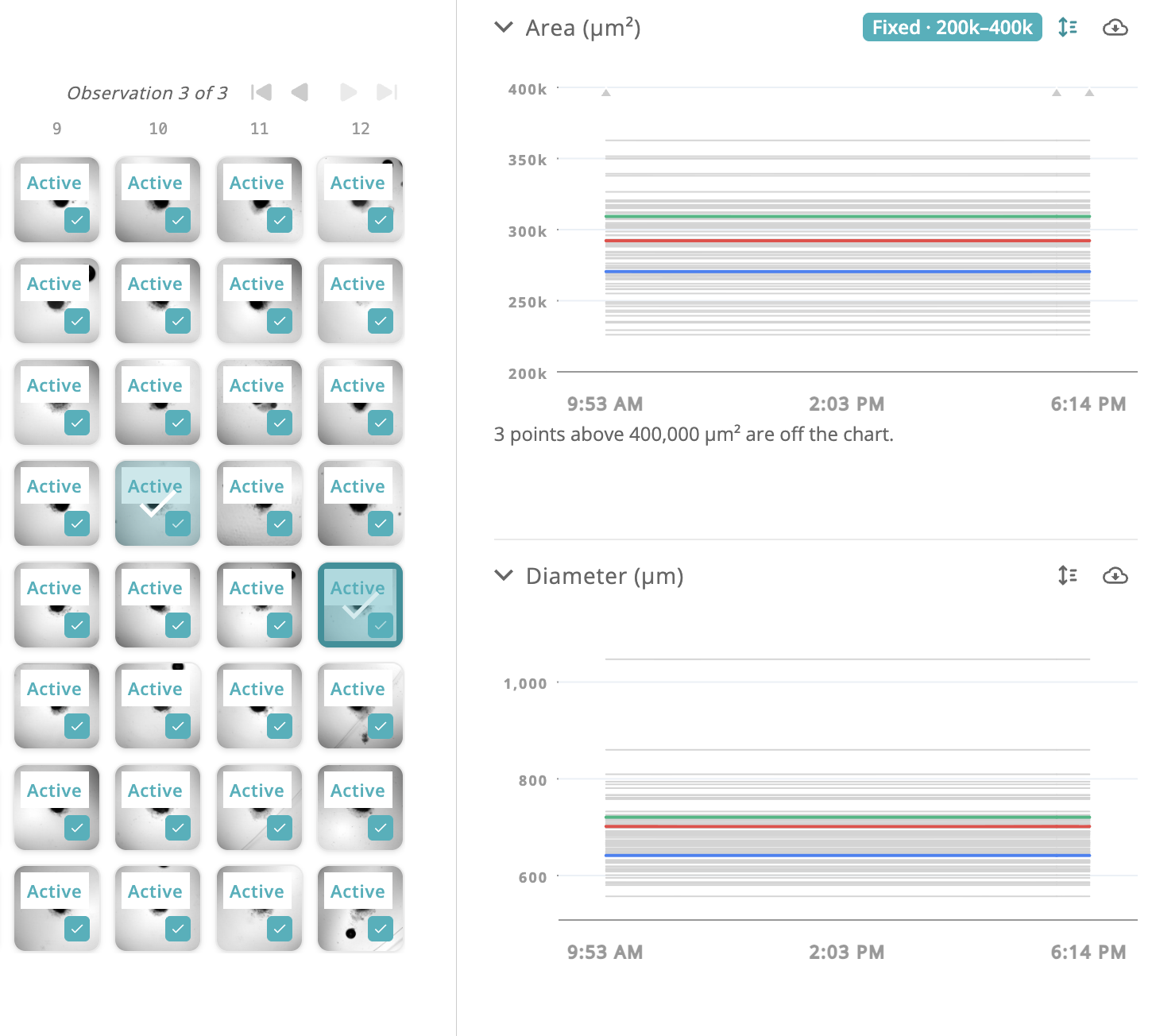
Compare Area, Diameter, Circularity and Anisometry across every well on a plate, right from the Culture Status overlay.
Download organoid metric and Confluence graphs as presentation-ready images or as the plotted data.
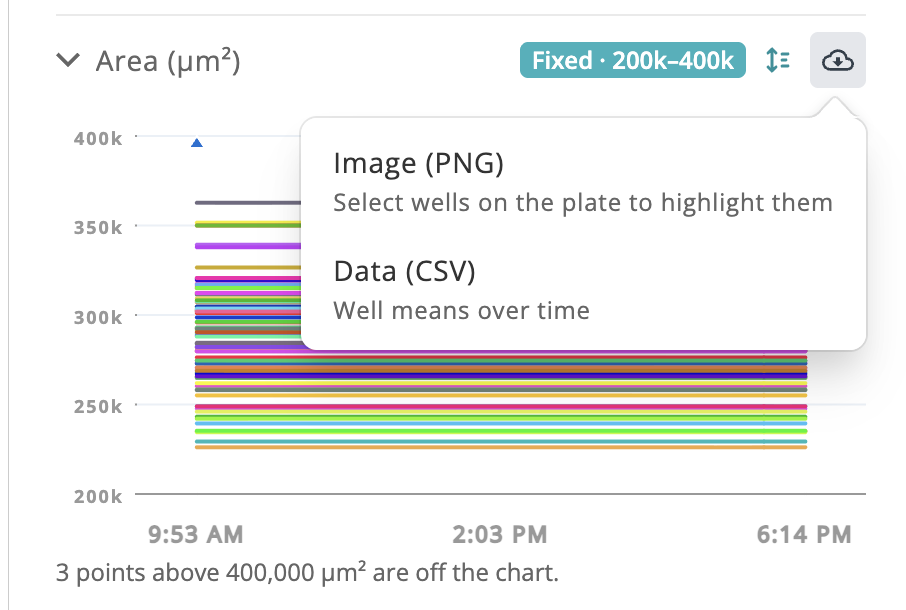
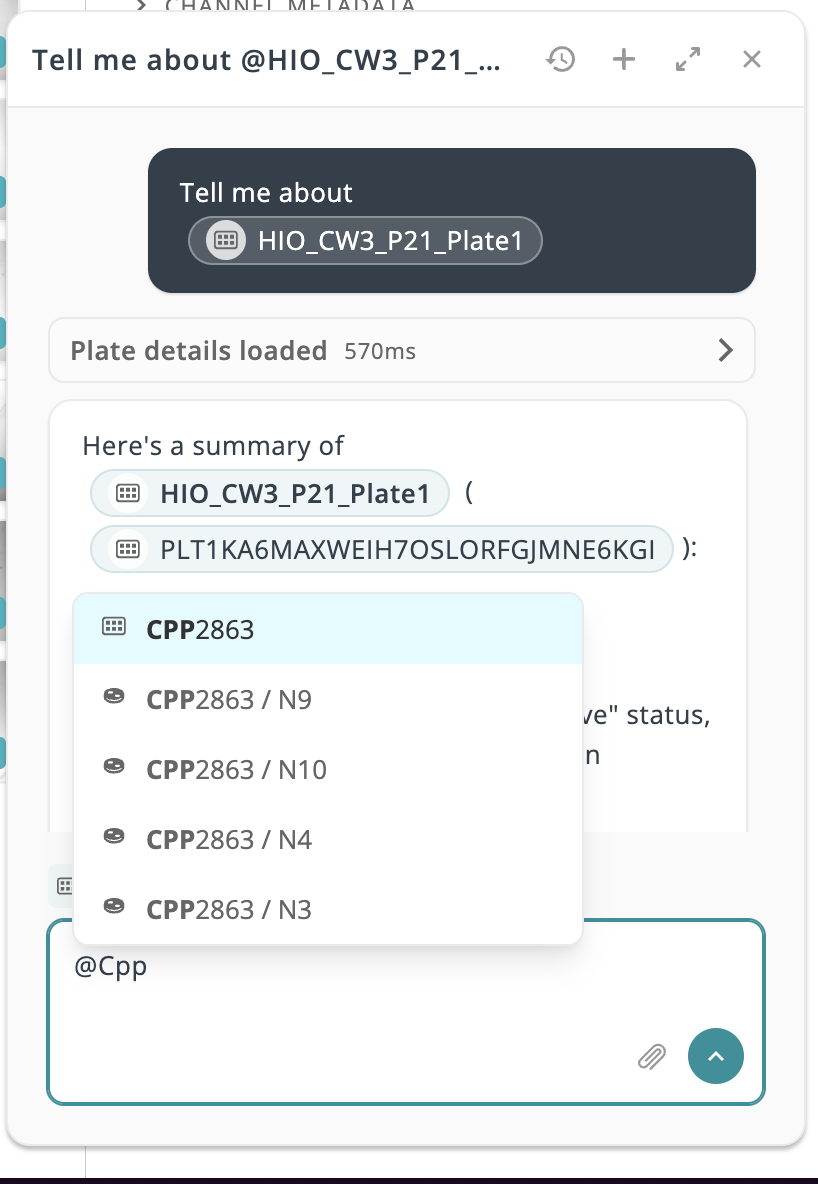
Put Area, Diameter, Circularity and Anisometry graphs on the same scale so batches of plates compare at a glance.
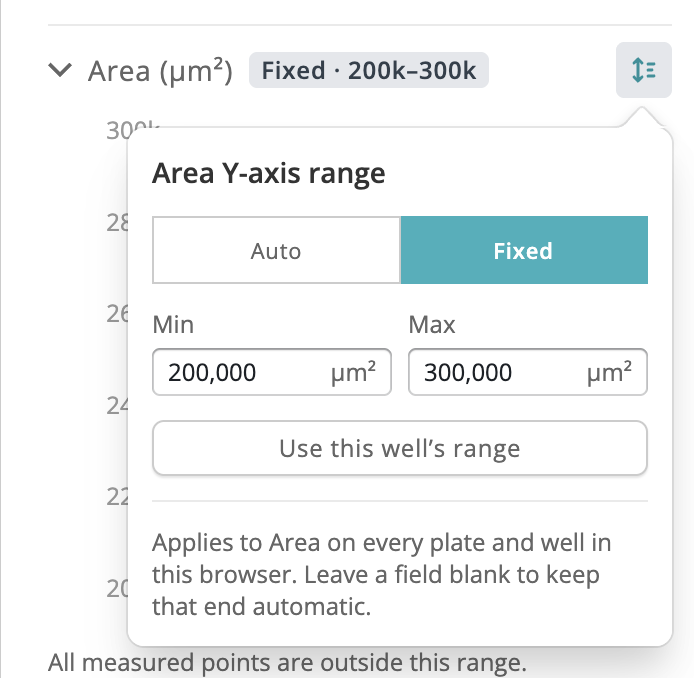
Type @ in the Assistant to search for and insert a plate or culture, which appears as a clickable chip that jumps to that entity.
CQ3000 segmentation results (area, diameter, circularity, and anisometry) now ingest and graph on the well page.

The assistant can now sort filtered plate results by activity or dataset count, and export the ranking as CSV.
Breadcrumbs now return you to where you came from — Dashboard, Search, or the Cultures table.
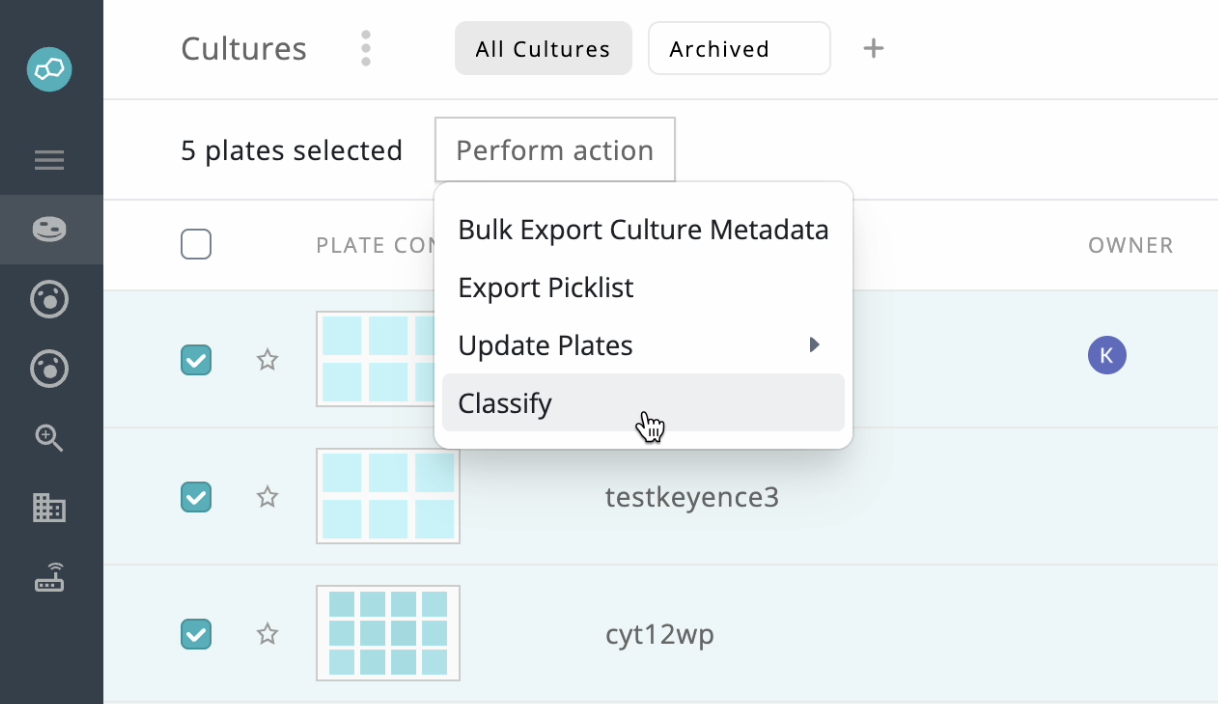
Classify up to 20 plates at once from the Cultures page and track queued/running jobs in a new status tray.
Well pages skip several megabytes of redundant image downloads per observation when a stitched view is already available.
Retrying a classification now re-runs only the wells that lack a successful result, and partial results are preserved when a later step reports an error.
Desktop agent file sync now completes several times faster for teams working far from the database region, with a 100-event sync dropping from about 11 seconds to under 2.
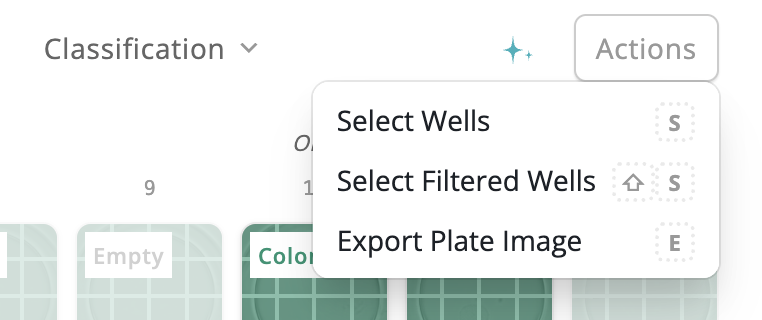
Select every well matching your active filters in one step, so you can bulk-confirm just the AI-annotated wells rather than the whole plate.
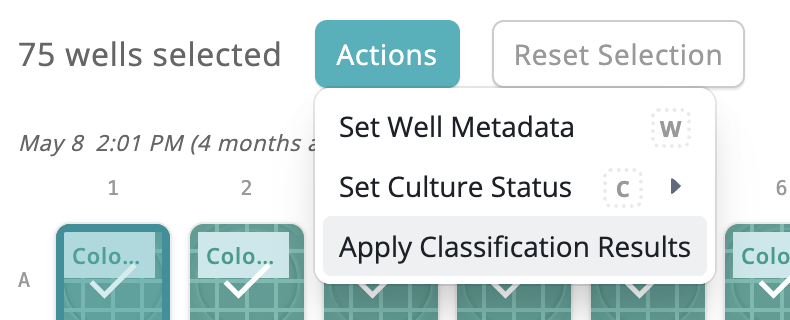
Apply pending image-classification results to many wells at once from the plate page, instead of approving each review one by one.
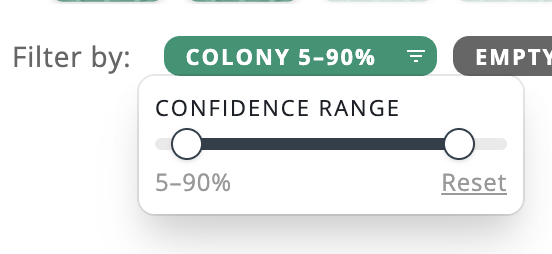
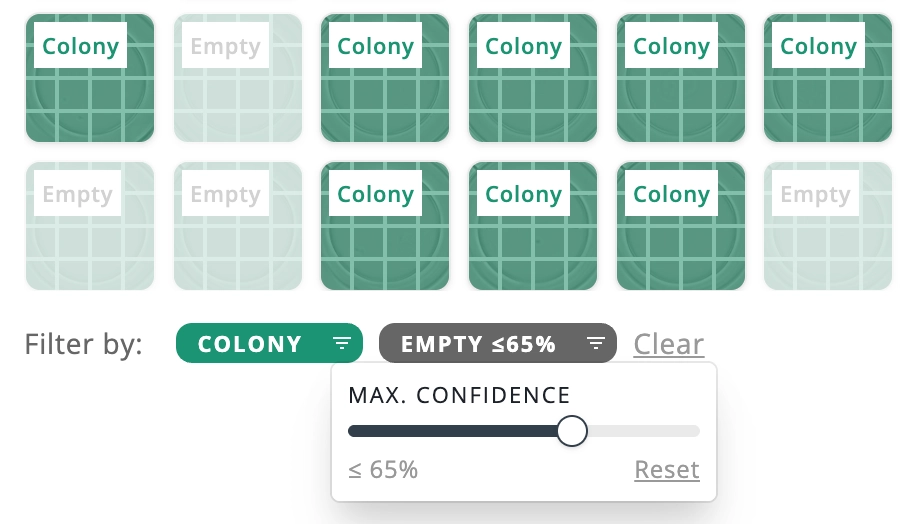
Classification filters now support a minimum and maximum confidence range instead of a single threshold.
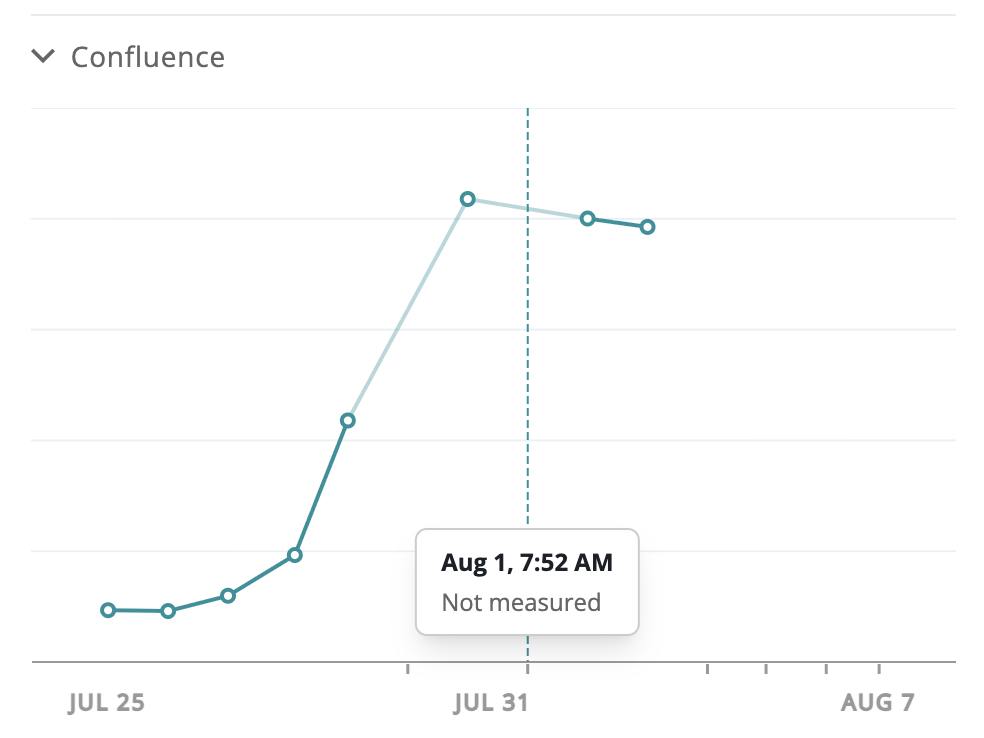
Confluence and cell concentration graphs now clearly mark observations with no measured value instead of misattributing them to a neighboring day.
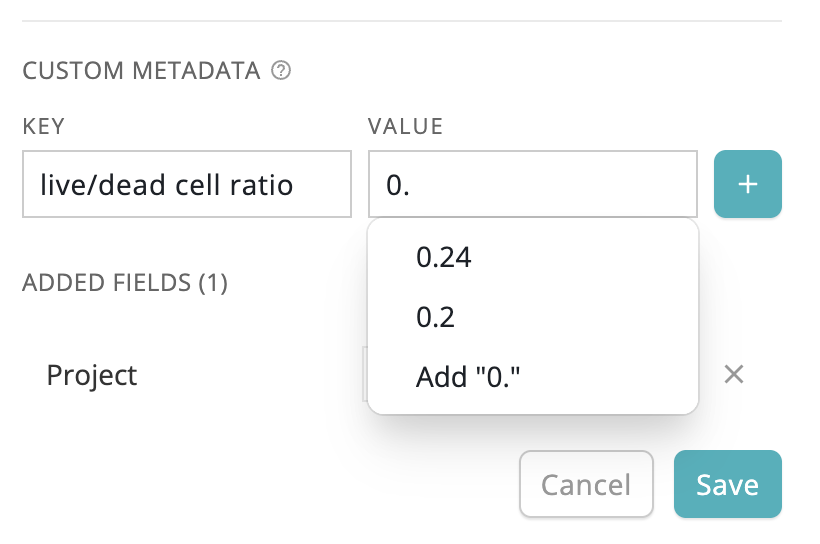
Value, cell line, and cell line lot fields now suggest previously used values as you type, cutting down retyping and typos.
The stitched/montage view toggle on the plate page now stays enabled as you move between plates in a session.
Confluence (%) overlay on 384-well plates now shows well images correctly, even when confluence data isn't available for a well.
Well image exports now apply sharpening consistently in Safari and Chrome, so exports match what's shown on screen.
Plate, dish, and well pages now show a "Waiting for images to upload…" state during ingest, and a clear "Dataset upload failed" message if the upload fails, instead of a confusing load error.
Plates and wells you've already viewed now open instantly, and any image that was still generating shows up on its own as soon as it's ready — no refresh needed.
Keyence scans that skip stage-grid positions now stitch correctly, with tiles placed by their true coordinates instead of being forced into a rectangular grid.
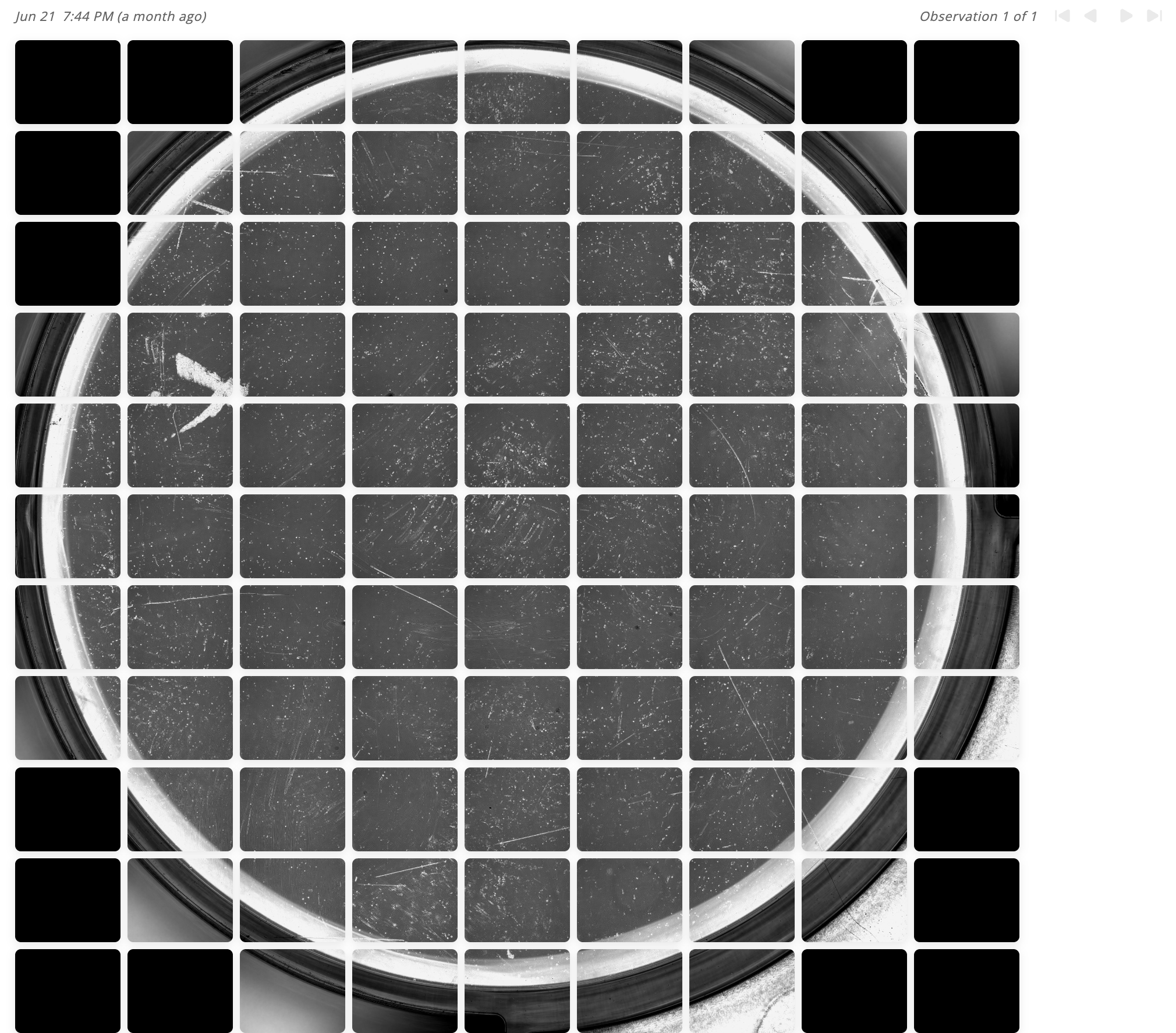
Plate Montage View now renders true stitched images for overlapping Keyence montages, so seams no longer duplicate features and the plate view matches the well view.
Custom metadata filters in the cultures table now surface every distinct value across an org, instead of only values on recently updated plates.
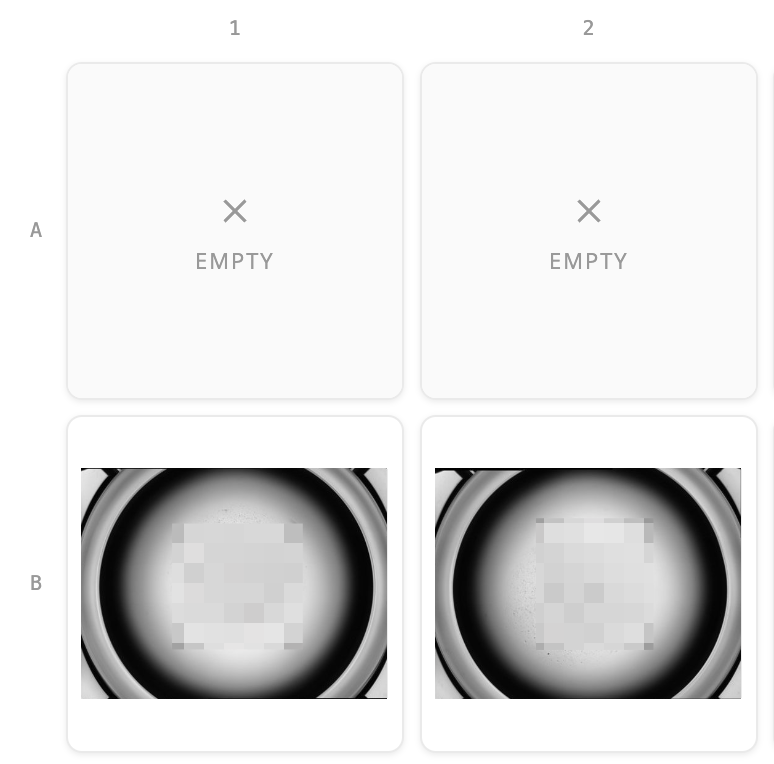
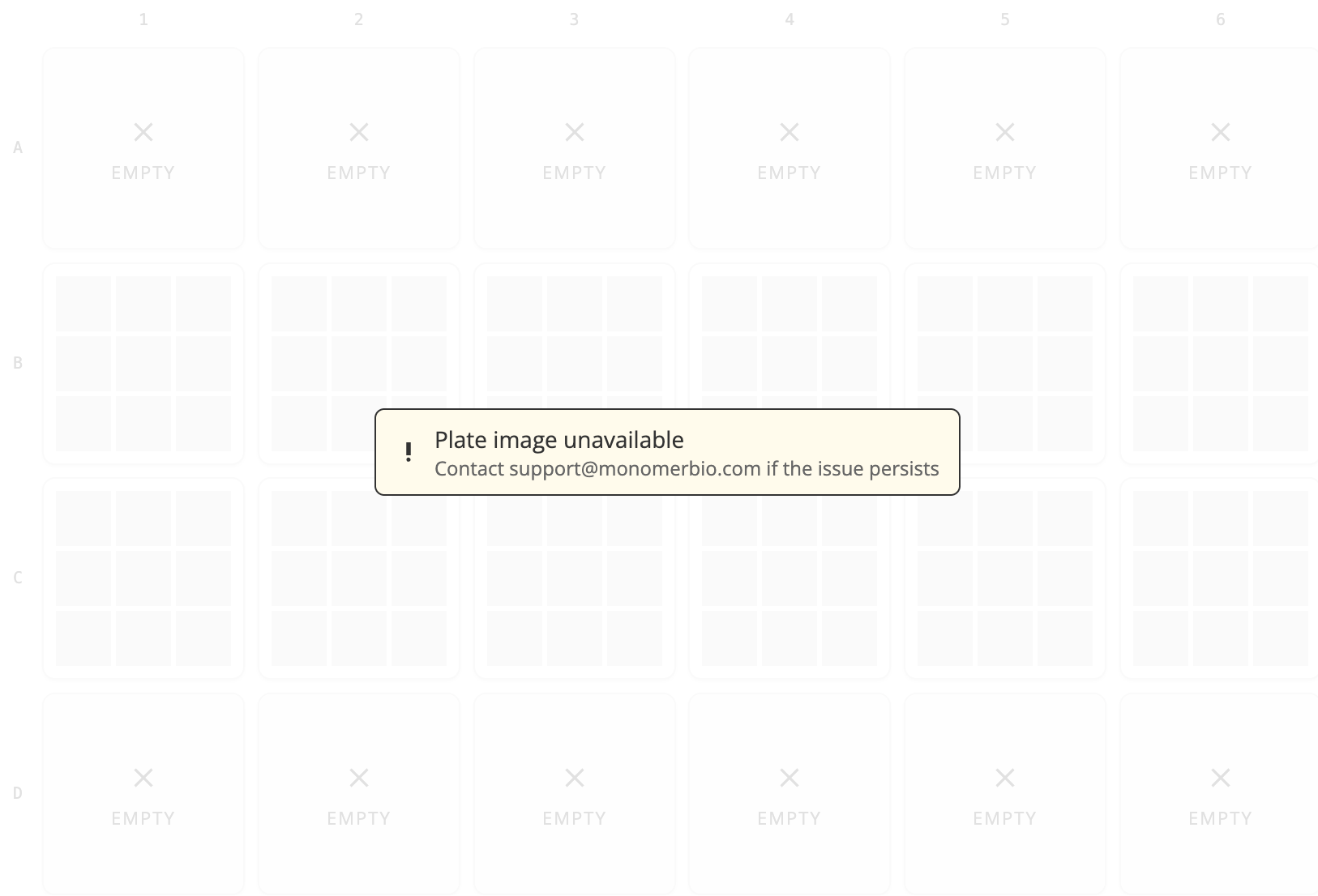
Plate and well images now show distinct generating, error, and unavailable states instead of identical blank tiles.
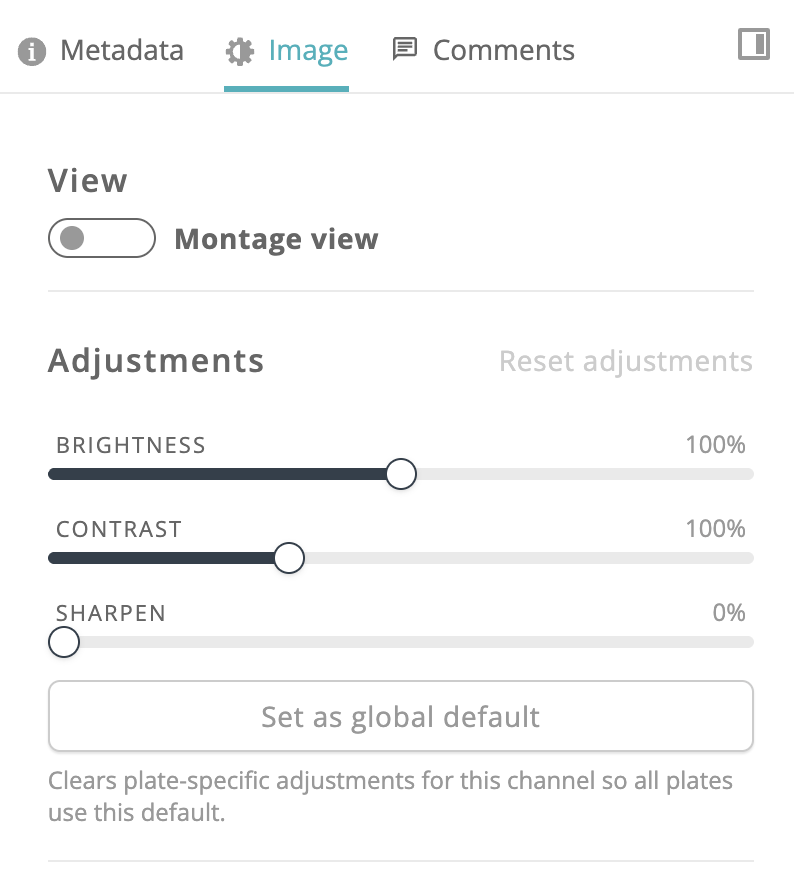
The Plate and Well Image Tools panel now has a cleaner layout with dedicated View, Adjustments, FFT Bandpass, and Actions sections.
Exported plate images now match the true well tile proportions seen in the plate view, instead of stretching non-square wells.
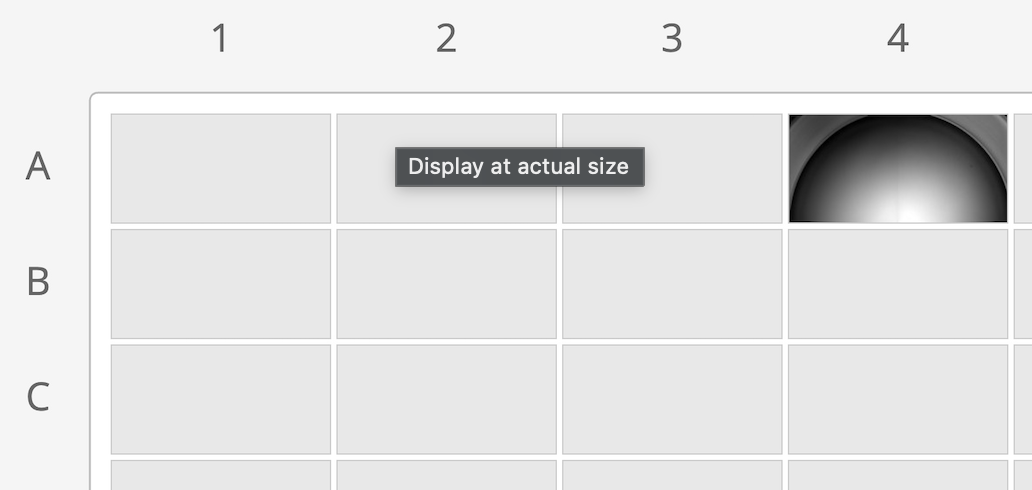
The platform now supports a much broader range of montage tile layouts, rather than only a fixed set of predefined shapes, within existing capture size limits — opening the door to instruments like Keyence microscopes that produce non-square montage grids.
As we experiment with different models behind the assistant, DOCX, CSV, and XLSX attachments now work consistently across all of them.
Montages too dense to display legibly now show a single representative tile per well with a clear notice, instead of unreadable thumbnails.
Apply an image filter to every plate or every well in one action instead of repeating it per item.
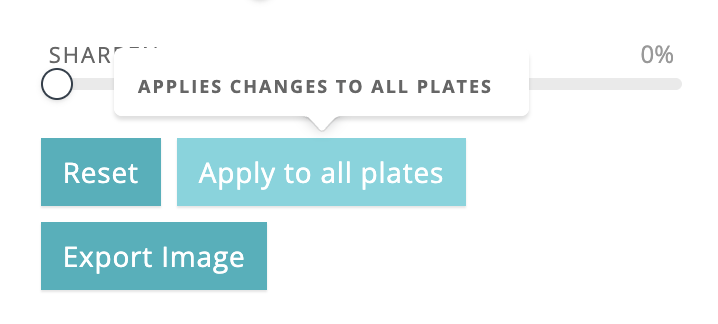
Plate View now supports the true-aspect Montage/Stitched View toggle for non-square camera captures, already available in Well View.
Reopening the assistant after a reload or tab restore resumes your conversation instead of starting fresh.
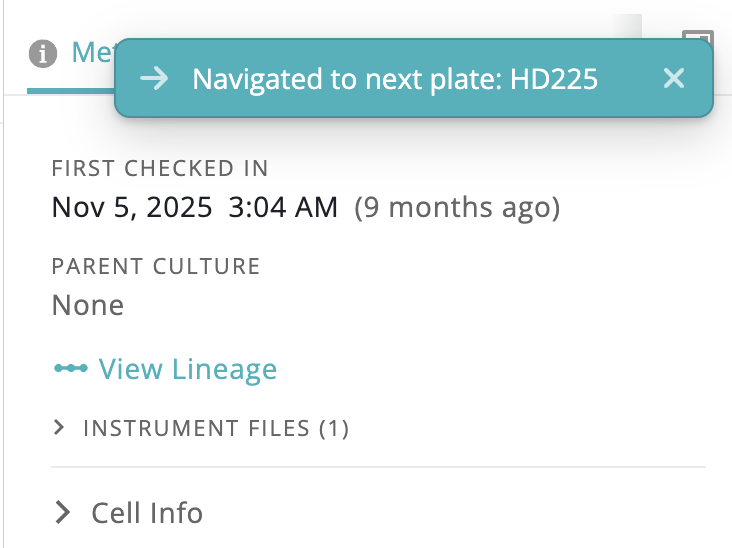
Stepping past the edge of a plate while browsing wells now jumps you to the first or last well of the next plate, instead of wrapping in place on the same plate.
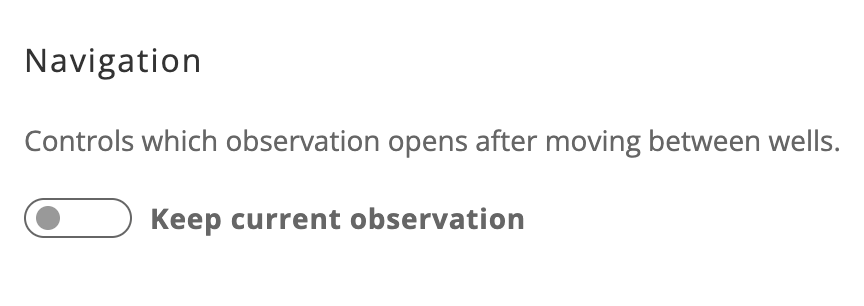
New Settings → Navigation option lets you choose whether moving between wells keeps your current observation or jumps to the latest one.
Thanks to a leaner package size, on-prem agent installations and updates are now roughly 50% faster.
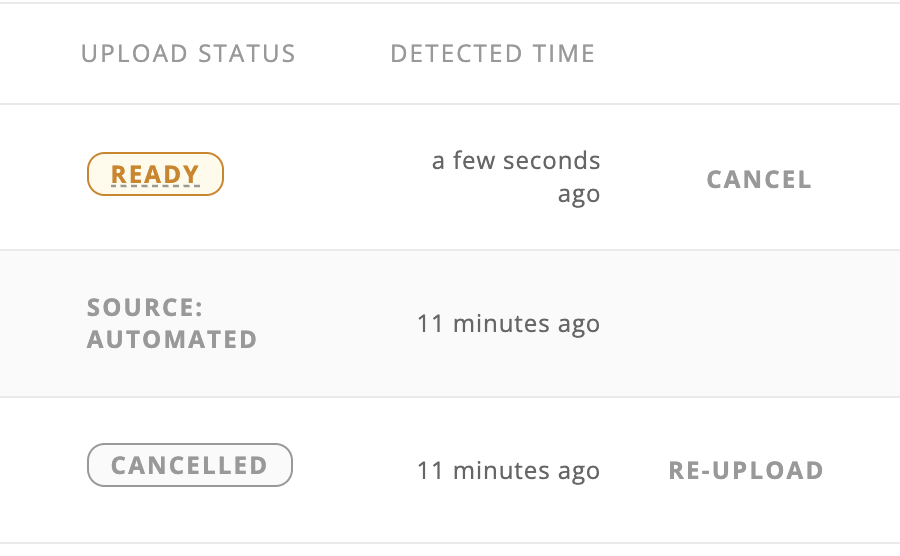
You can now cancel a dataset in the on-prem agent before it's uploaded to the cloud — no more waiting for it to fail validation downstream.
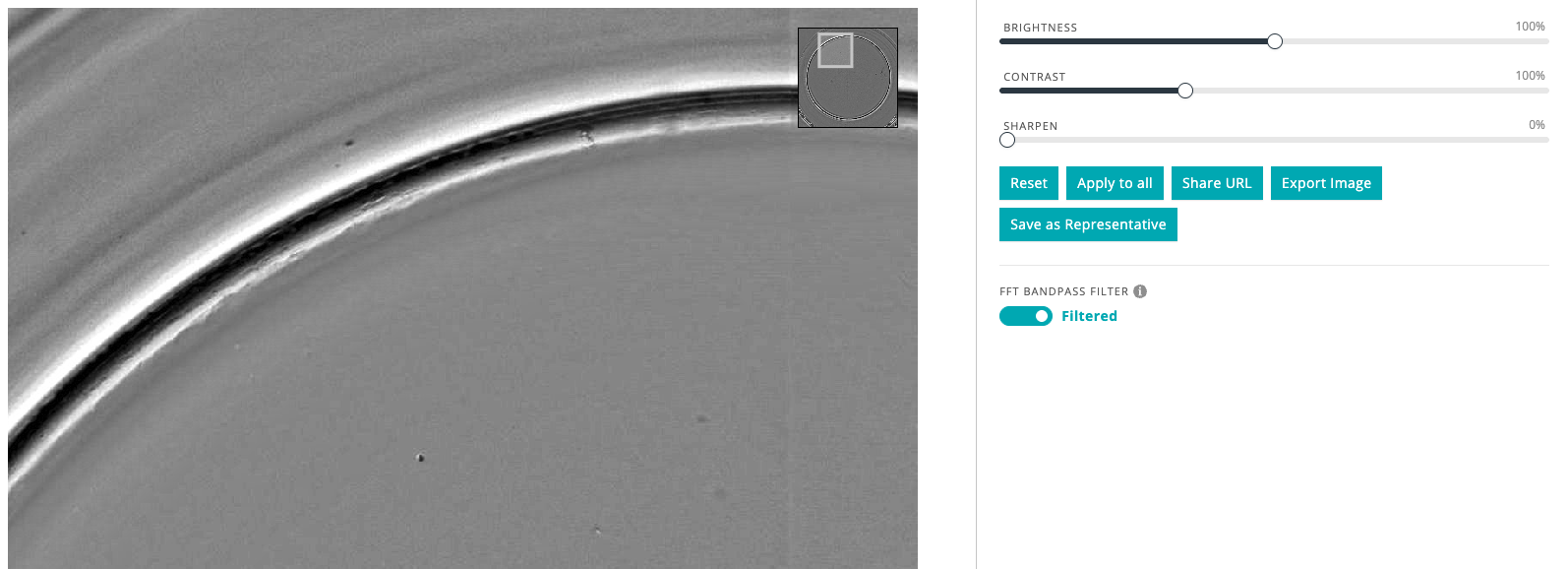
Apply frequency-domain bandpass filtering to sharpen sprite images, and toggle between the original and filtered view (early access).
Soft-delete an observation with a required reason when data lands on the wrong plate, with full deletion/restoration history in Culture History (early access).

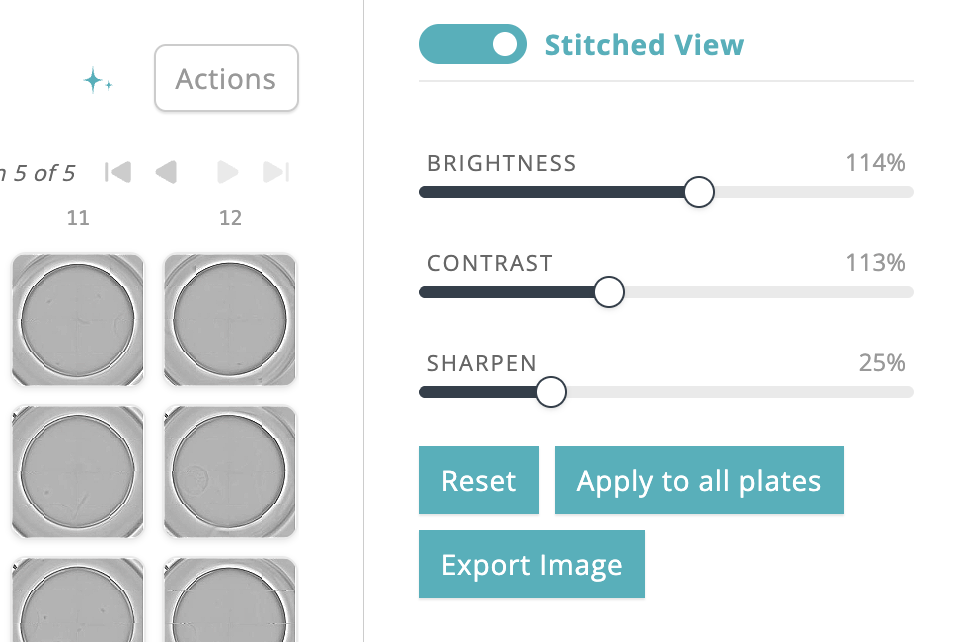
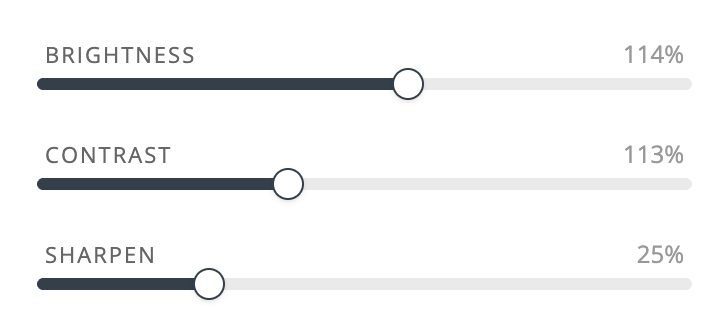
A new Sharpen slider lets you enhance edge detail on well and plate images, carried through to exports and shares. (early access)
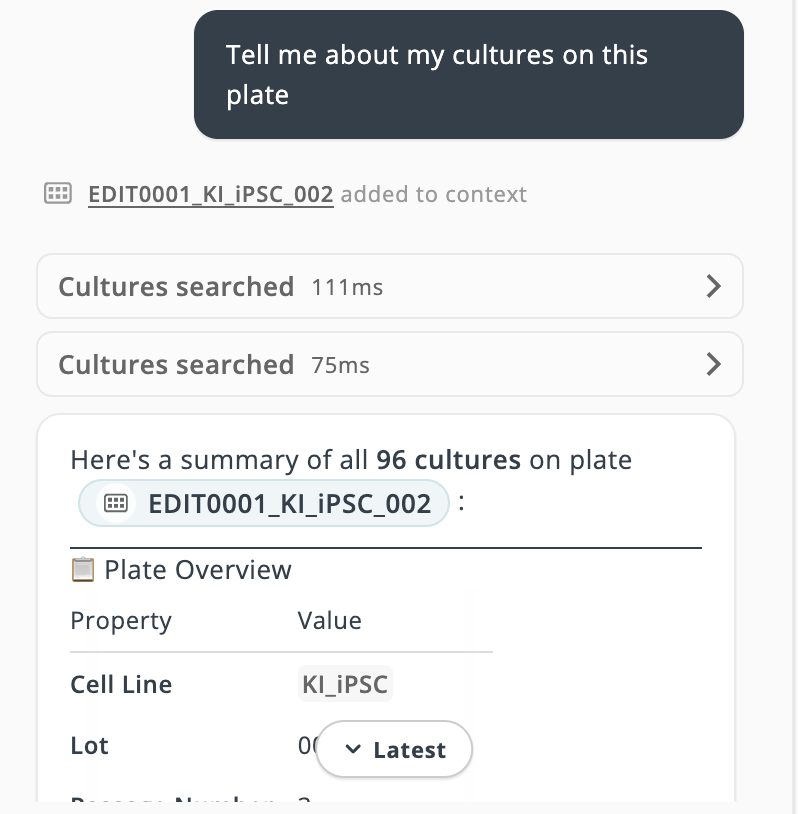
The AI Assistant can now surface image-classification predictions and confidence scores for orgs with classification data, including a one-ask "show me the lowest-confidence hits to review" workflow across recent plates.
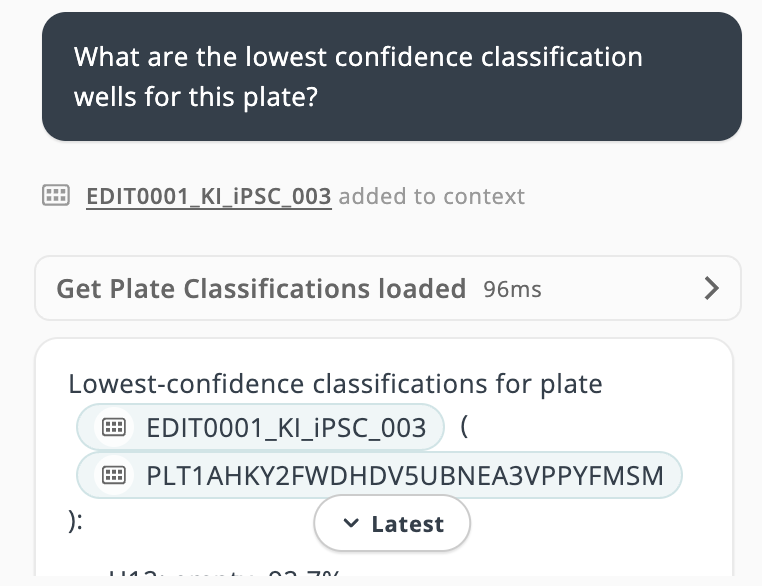
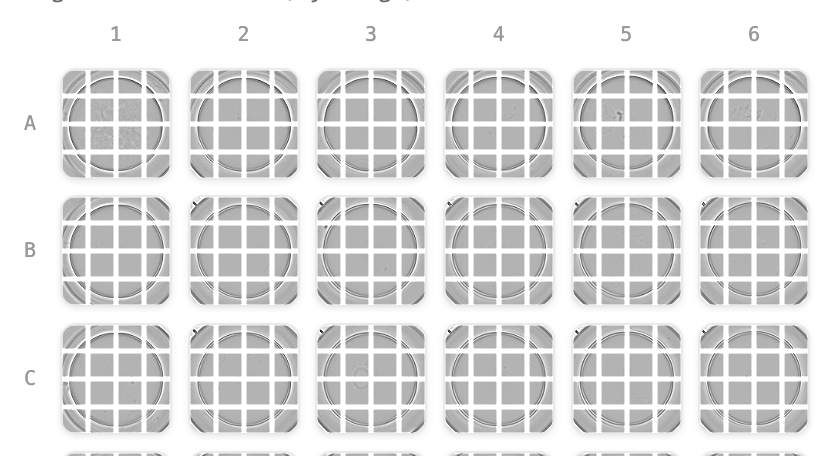
Plate views now show row letters and column numbers by default on every plate format larger than 6 wells, making it easy to identify a well's position at a glance.
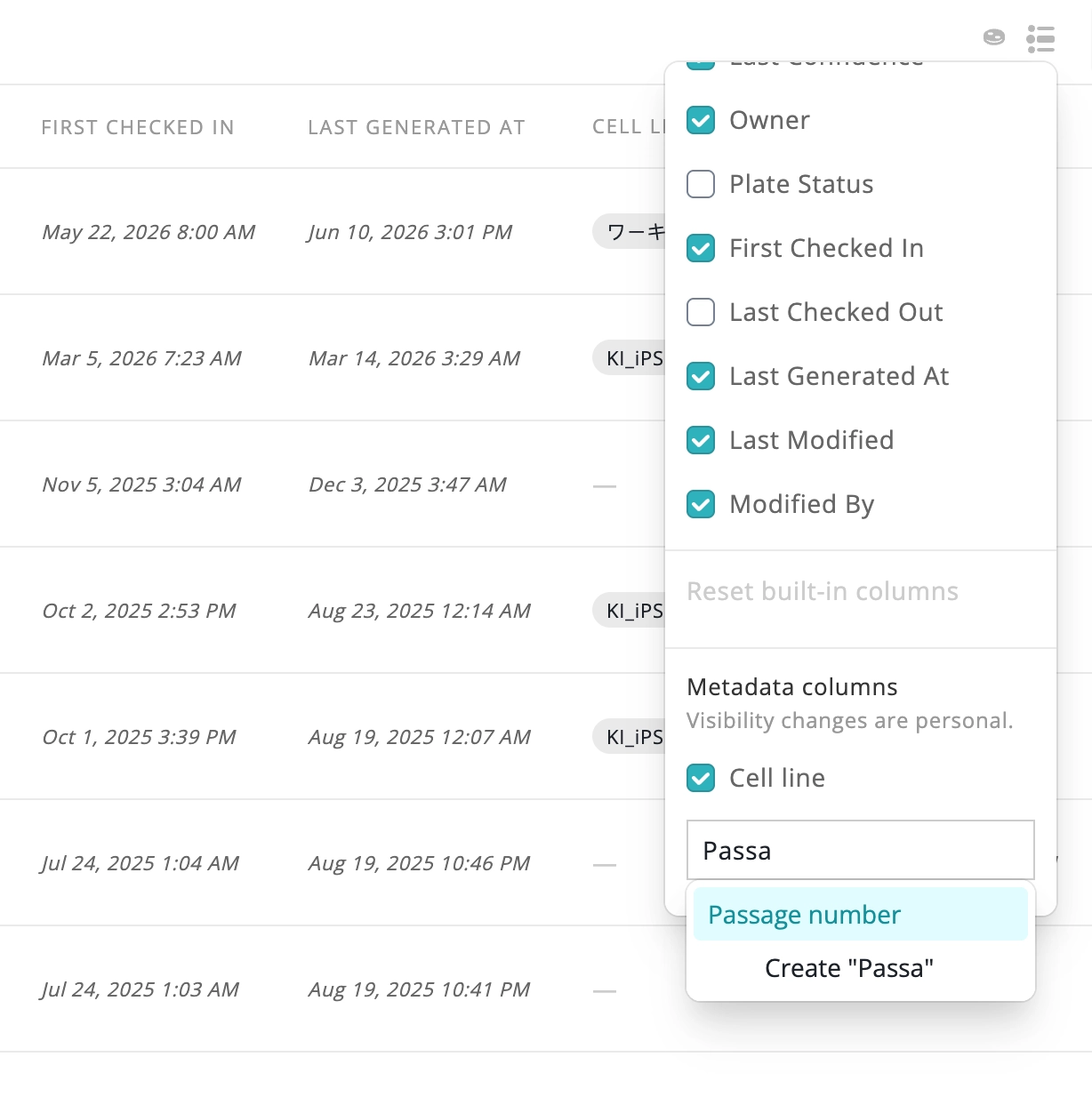
Add and display custom metadata as columns on the Cultures Page table, aggregated across each plate's cultures.
AI Assistant chat now anchors on send and follows new content only when you're already at the latest message, with a pill to jump back to unseen replies.
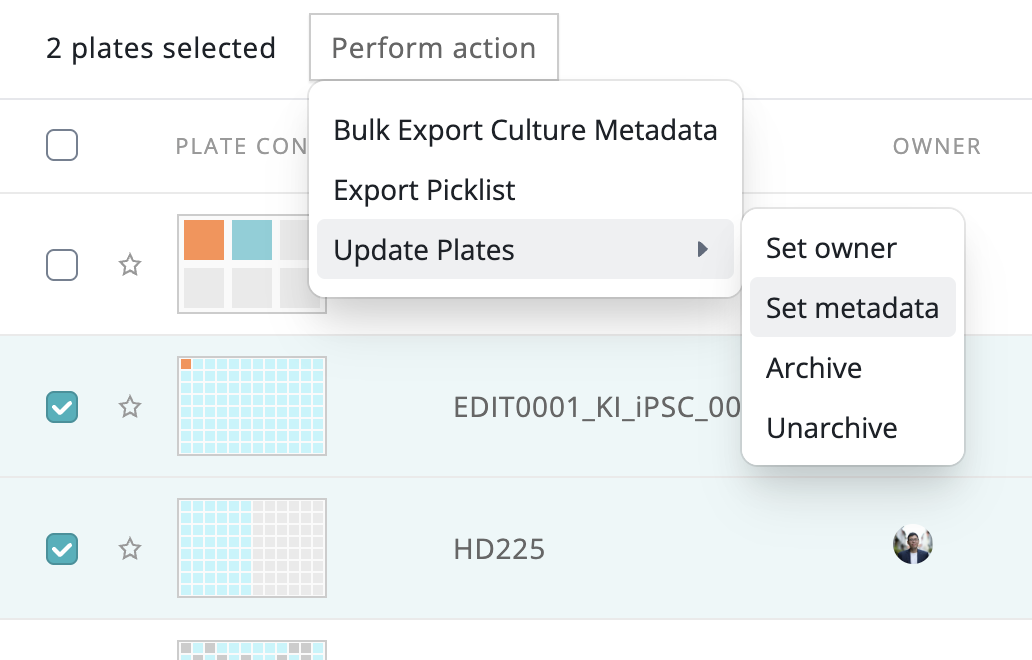
Set cell line, cell line lot, passage number, and custom key/value metadata across many cultures or wells at once from the Cultures Page.
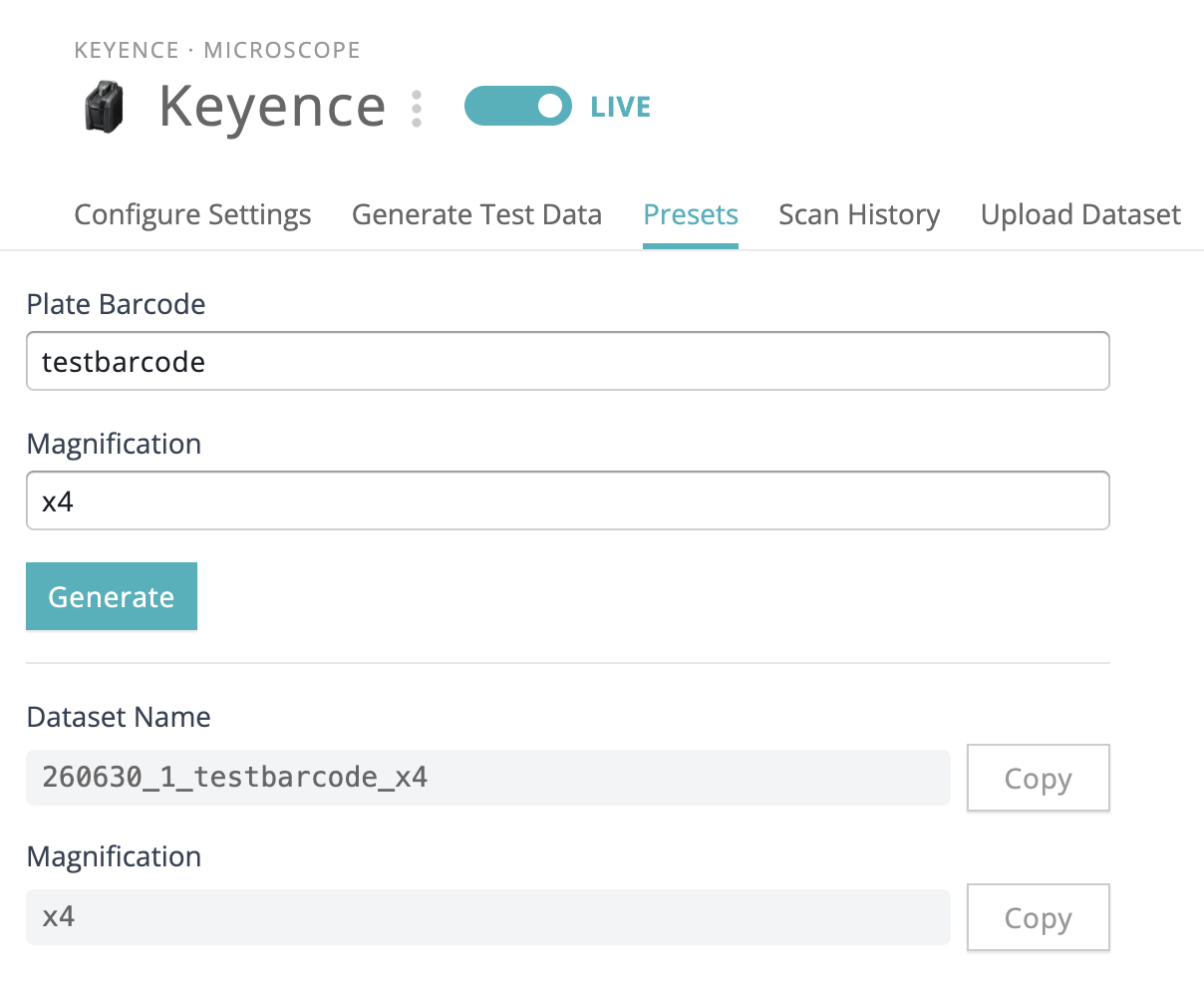
Save and reuse plate barcode and magnification presets for Keyence (BZ) ingestion, with auto-generated dataset folder names.
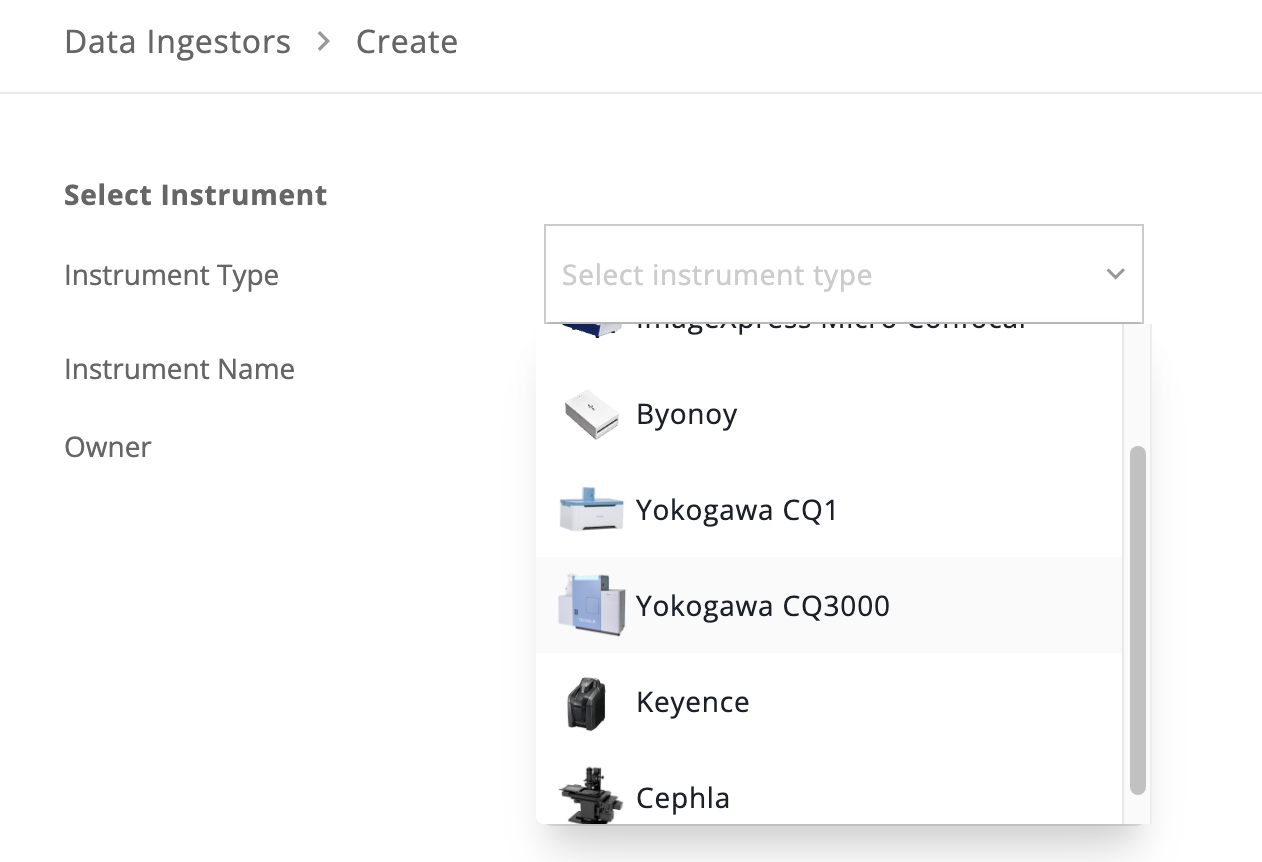
Ingest data from the Yokogawa CQ3000 high-content microscope, with montage details in dataset summaries.
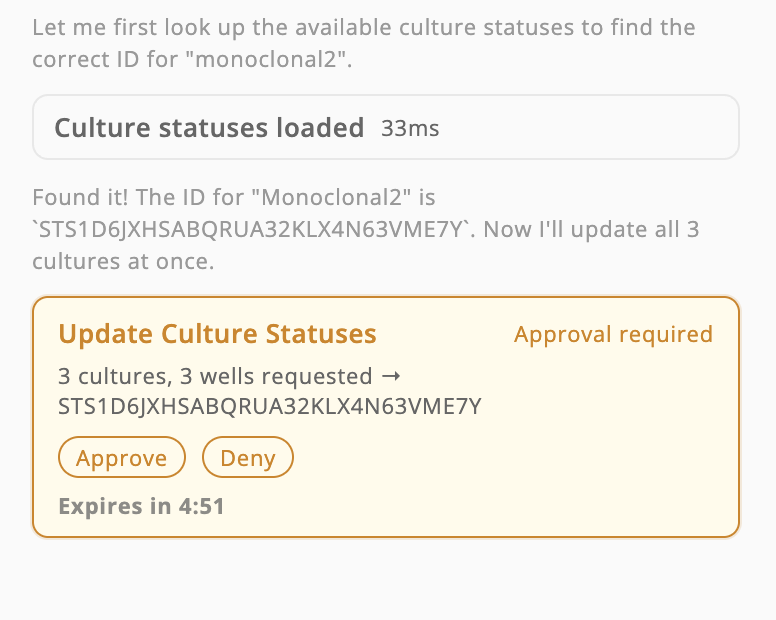
Asking the assistant to update multiple cultures at once now requires just one approval, instead of hanging mid-task after the first few confirmations.
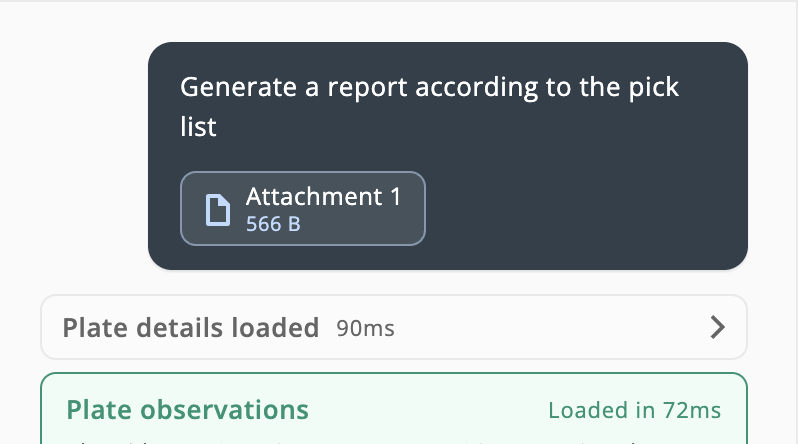
Attach a plate-well picking-list CSV to the AI Assistant to generate a targeted report covering only the selected wells.
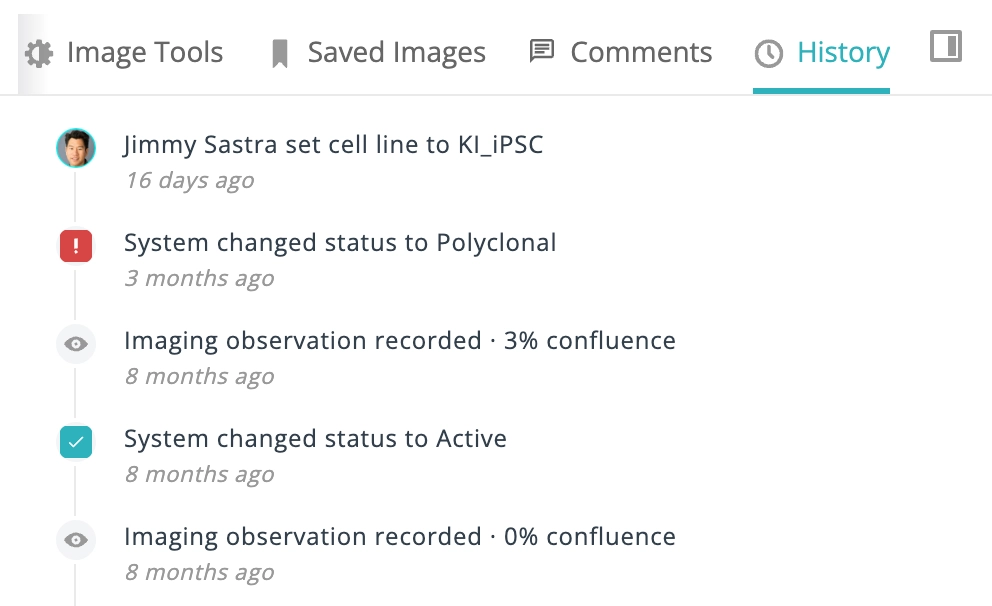
Track every status change, metadata edit, and observation on a culture in a newest-first activity timeline. (early access)
Filter classification wells by model confidence — adjust a per-label 0–100% slider to surface only the predictions you trust.
New skip buttons on plate and well views let you jump directly to the first or last observation without stepping through each one.
Ask the AI Assistant to export plate or culture lists — including specific culture subsets — as a downloadable CSV file, right from chat.
Reviewers can step through filtered culture rows from the well page without losing Cultures context — with keyboard shortcuts, hover prefetch, and return-to-list that restores search, filters, and scroll position.
Plates, wells, cultures, and the dashboard now fully support adherent and suspension cell types together, with per-cell-type metrics, updated histograms, and a new Cell Type column in Cultures.
The AI assistant can now filter cultures server-side by threshold — questions like "which wells are above 80% confluence?" are now fast and accurate.
Brightness, contrast, and channel filters applied with "Apply to all" are now shown in the plate thumbnail view and included in plate exports.
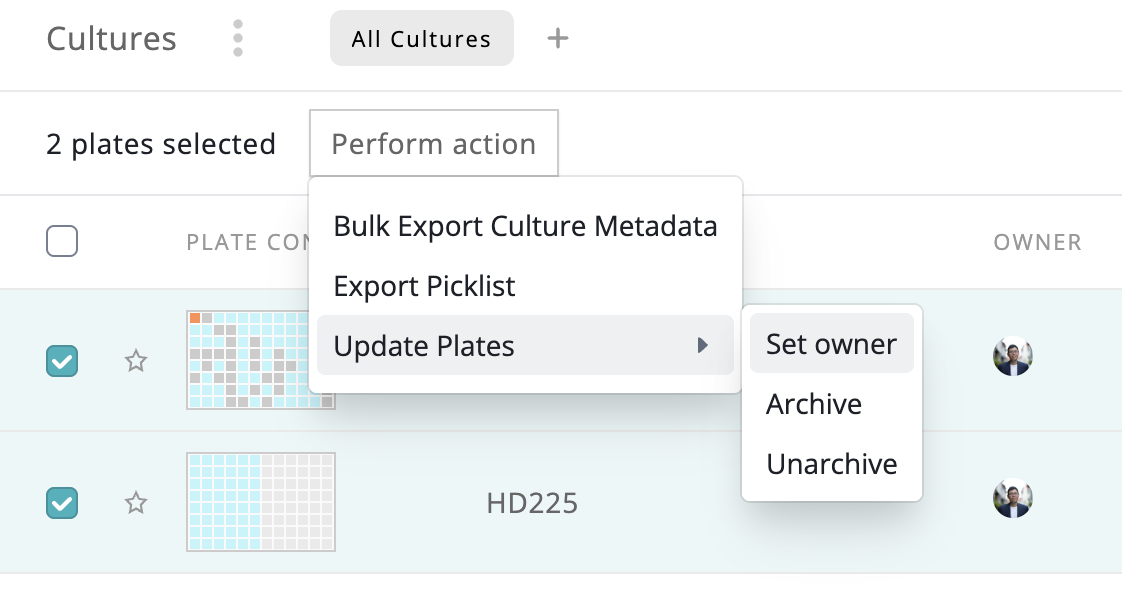
Select multiple plates and assign or clear ownership in one step from the Cultures page.
The assistant can now generate interactive report cards with embedded plate images that can be printed or exported as PDFs.
Filter cultures by plate format (6, 12, 24, 96, or 384-well) from the cultures page filter menu.
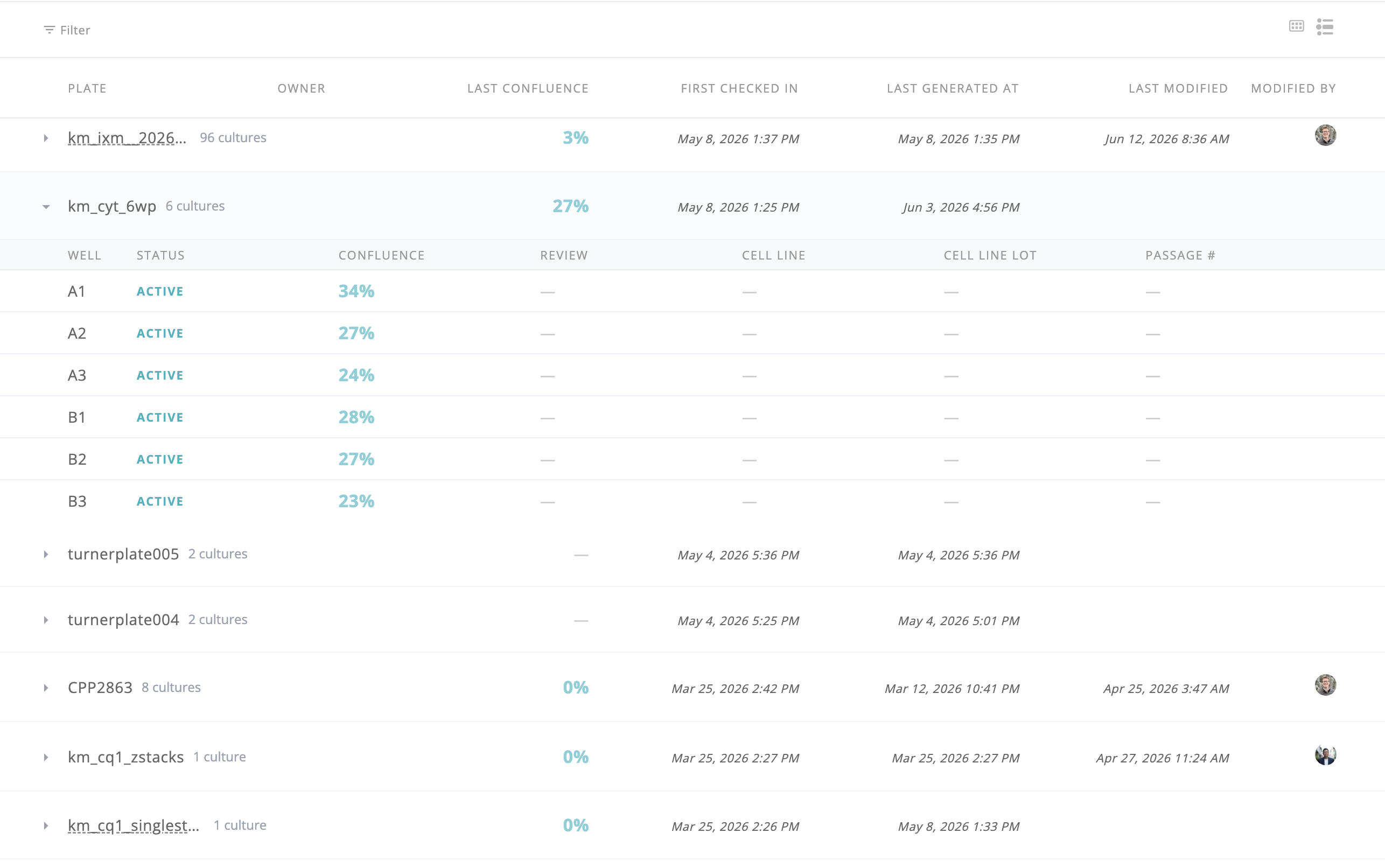
Toggle between plate view and a grouped culture-level view with per-well details on the cultures page (early access).
Attach images and documents directly to your assistant messages so the AI can reason over uploaded plates, exports, and files in context. (early access)
The assistant's reasoning process now appears inline as it works through multi-step requests, making complex analysis more transparent.
Filter well navigation by culture status and classification result for targeted plate review
Composite channel images now available in the viewer (early access)
Suggested culture status now shown during image classification culture reviews
Update plate owners directly in cloud Monitor without backend intervention
Filter bulk exports by cell line, cell line lot, passage number, and custom metadata
Filter cultures by cell concentration directly from the cultures page
Customize which columns are visible in the cultures table
Filter cultures by confluence range for more precise data exploration
New approval workflow for image classification culture reviews
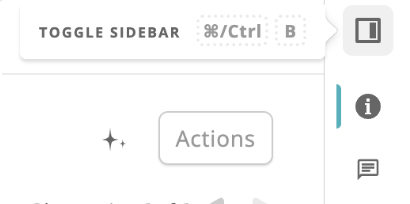
The sidebar in the image viewer can now be resized or hidden entirely, giving you more screen real estate for the main image. Graphs inside the sidebar auto-resize, and scrolling sideways reveals any overflow tabs.
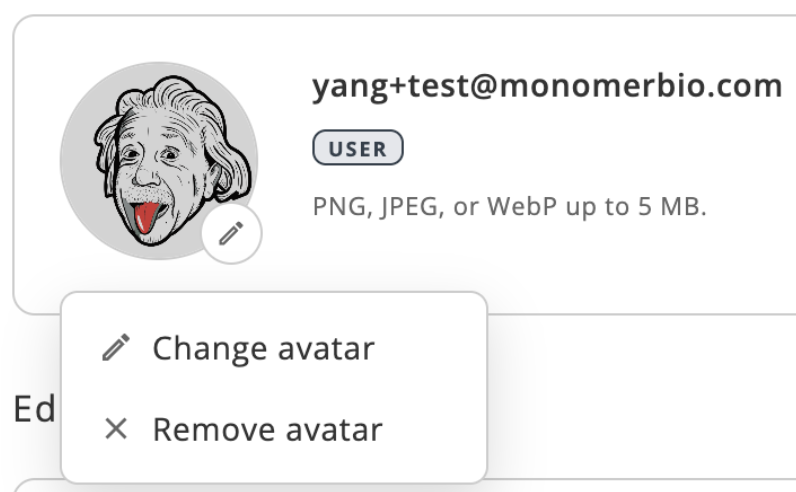
A new Account settings page lets users update their display name, profile photo, and password — all in one place. Password changes are handled securely via an email reset flow.
Custom per-well metadata now visible in the plate page sidebar, with a keyboard shortcut to open the overlay
Filter cultures by custom metadata key-value pairs with multi-value selection
Classification results surfaced on plate and well pages with confidence overlays and suggested labels
Set alerts on custom culture views and receive notifications when plates match your criteria (early access)
Mark cultures as pending, approved, or rejected directly from the plate page (early access)
Create, submit, and manage reagent plate requests from a new Operator Action page with fulfillment workflow
Filter plates by owner to quickly find your own or a teammate's work
View and edit your display name from a new profile page
Export a labeled plate montage as a high-quality JPEG with row/column coordinates and Monomer logo
Scroll through Z-planes on the well page with a vertical gallery, toggle between MIP and individual slices
Conversational AI assistant for exploring plate data, reviewing cultures, and navigating your workspace (early access)
Toggle a compact view for 384-well plates that shows only active wells, built for Mimetas workflows
@mention teammates in comments and receive in-app notifications with unread badges (early access)
Search across plates, cultures, and metadata from the cultures page and global omnibar (early access)
Wells now highlight on the plate when hovering over confluence and absorbance chart data points
Save plates and wells as favorites for quick access from the left nav (early access)
Per-channel imaging metadata (exposure, gain, illumination) now displayed in plate and well sidebars
