
When you step past the last or first well of a plate while browsing in plate-list mode, you'll now automatically jump to the corresponding well on the next or previous plate instead of wrapping back onto the same one.

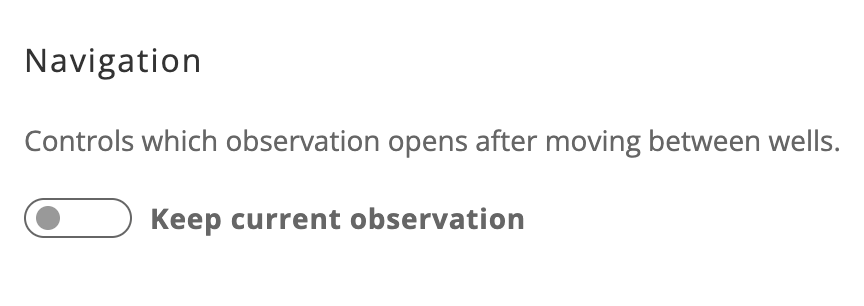
By default, navigating between wells keeps you on the same observation timepoint. A new toggle in Settings → Navigation lets you switch to always opening the latest observation instead — handy if you're doing a quick pass across many wells and want the newest data each time. This is a per-browser preference and won't affect other users.
We trimmed unnecessary files from the on-prem agent installer package, cutting install time by roughly 50% in internal testing. Nothing to do on your end — the next update will just install faster.
Made a mistake mid-ingestion? You can now cancel a dataset from the on-prem agent while it's still waiting to sync, instead of letting it run to a failed or invalid state downstream. The cancellation is honored reliably even if it happens while the agent is temporarily offline, and nothing from that dataset gets created in the cloud.

Cancel applies to datasets that haven't started uploading yet — for uploads already in progress, use Skip or Re-upload instead. Datasets from multi-read instruments are cancelled together as a group.
The CellShot ingestion pipeline is now more robust and reliable, supporting any acquisition type rather than only those associated with specific recipes.
Your selected sidebar tab (like Image Tools or Comments) now stays open as you move between plate and well pages.
Increased processing time allowance for full-plate composite image generation, reducing failed dataset generations.
Retrying a dataset upload after a skip no longer gets stuck — only the parts the cloud hasn't already confirmed are re-sent.
Fixed an issue where the sharpen slider degraded image quality on Safari when using a non-Retina external display.
The Monitor dashboard now shows one centered loading indicator instead of jumping around as the page loads.
