
Filtering a plate down to the wells you care about, then having to click each one to select it, defeated much of the point of filtering. Select Filtered Wells now appears in the plate actions menu whenever a filter is active, selecting everything that matches in one step. The keyboard shortcut is Shift+S.
This pairs naturally with bulk classification review: filter to the wells your classifier has labelled, select them all at once, and confirm them together instead of working through all 96 wells of a plate.
The selection respects whatever filters you have set, including classification labels and confidence ranges, and accounts for the most recent classification results rather than only previously saved statuses. Your selection stays editable afterwards, so you can still click individual wells to add or remove them before acting.
Reviewing predicted culture statuses used to mean approving one well at a time, which is slow work on a plate where most wells already have a confident prediction. You can now select the wells you want on the plate page and choose Apply Classification Results from the well-selection menu to accept all of their predictions in a single action.
Each well's status updates from its latest classification result, and the plate refreshes automatically when the run finishes so you can see the outcome straight away. Progress and confirmation messages keep you informed while it works.
The action checks your selection before making any changes. If any selected well has no pending classification to apply, or has already been reviewed, the whole action stops with an explanation rather than applying part of the batch. That means a plate never ends up half-reviewed, and you can correct your selection and try again.
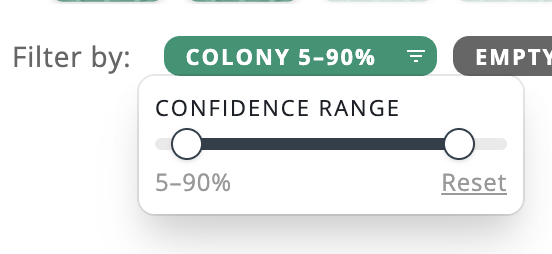
Classification filtering now supports a confidence range instead of a single cutoff. Drag a two-handle slider to set both a minimum and maximum confidence bound, and results are filtered to fall inclusively within that range. Resetting the filter restores the full range.
Confluence and cell concentration graphs previously dropped observations that had no measured value, which could make the highlighted point land on a neighboring day instead of the one actually being viewed.
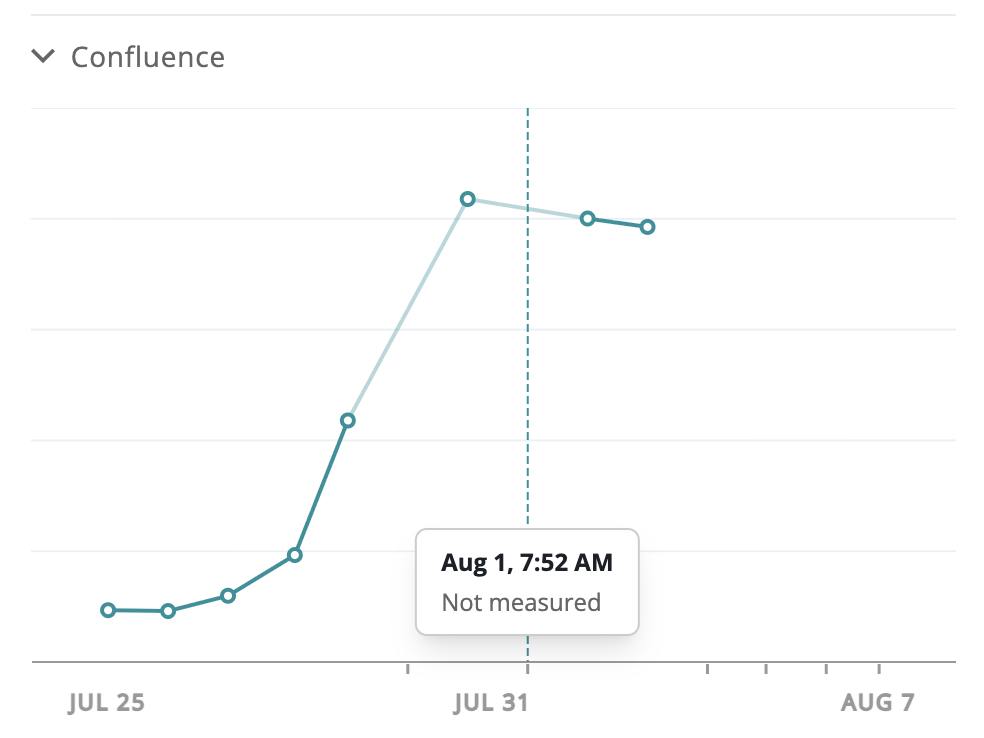
Those observations now stay in the series: they show a notch under the axis, the surrounding line is drawn lighter, and clicking the notch navigates to that observation with a clear "Not measured" label.
Culture metadata dialogs already suggested previous values for the custom metadata key. Now the Value, Cell line, and Cell line lot fields do the same, so you can pick from values you've entered before instead of retyping them.
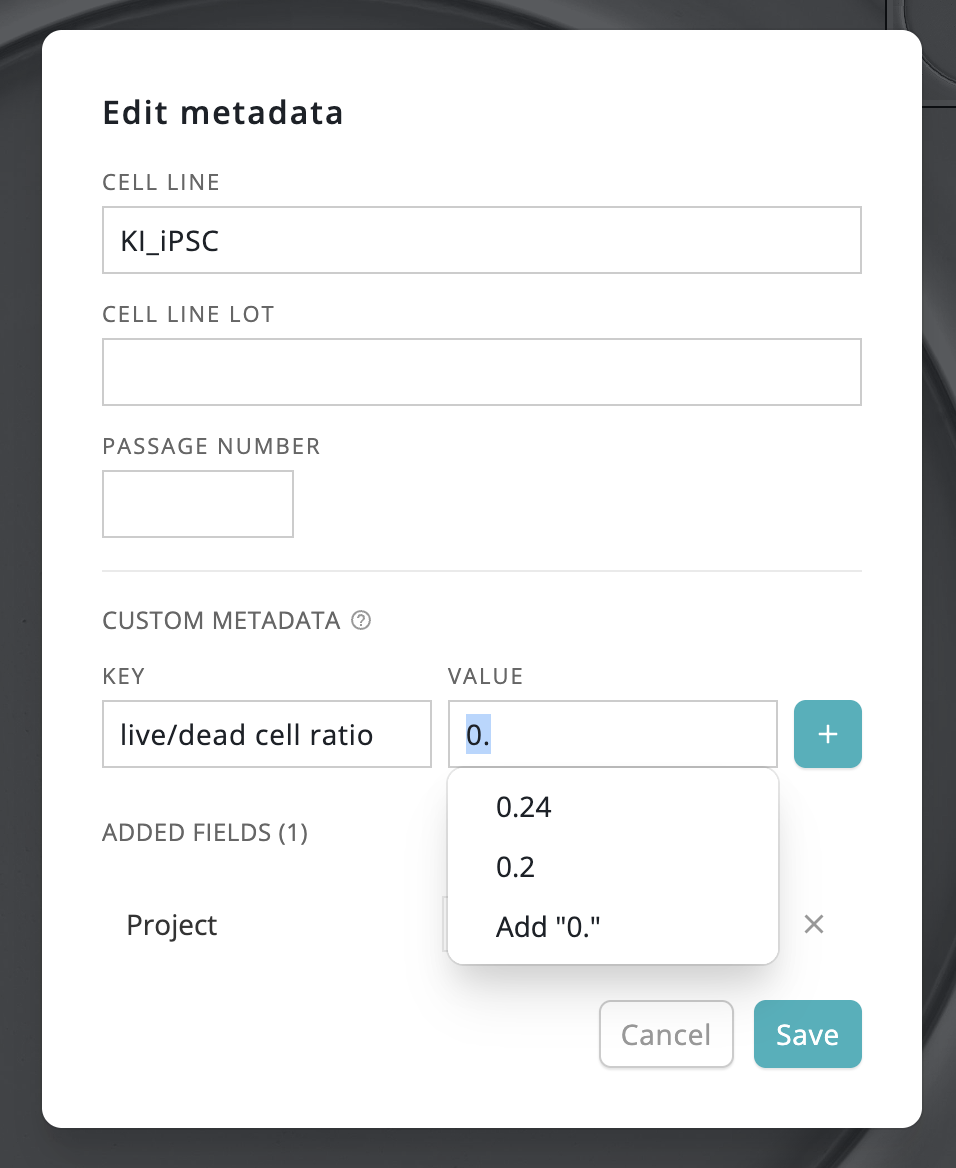
This applies to the Cultures bulk Set metadata dialog, plate Set well metadata, and well Edit metadata dialogs.
The agent now checks its own database integrity on a schedule, repairs known corruption safely at startup, and always keeps verified backups.
Dataset file uploads now ride out brief storage hiccups instead of failing the whole dataset and waiting for the next pass.
The agent can now start itself with Windows and sit quietly in the tray, so ingestion resumes after a reboot without anyone logging in to start it.
We support Cytation datasets with more than 1 Z-stack.
Scheduled jobs now track their last successful run, so the health reporting you see reflects what actually completed.
A new histogram shows the luminance distribution of the current well image, updating live as filters and viewport change. (early access)
Display name validation now allows the @ symbol, so display names can include email addresses.
Approval requests in the assistant now stay active for their full 5-minute window, and the assistant now reports clearly when one expires.
Fixed several image-viewer issues: montage aspect ratio in the expanded view, a brief resize flicker on well navigation, carousel position jumps, and a flash of the unfiltered image before filtering finishes.
