
The cultures-table metadata filter used to build its dropdown from a small recent sample of wells, so an org with many metadata-bearing plates could see only one distinct value for a key even though many others existed — and searching for a missing value found nothing either.
Plate and well thumbnails now reflect the actual state of image generation instead of all looking like the same grey placeholder.
The Image Tools panel (now just called "Image") on the Plate and Well pages has been reorganized into View, Adjustments, FFT Bandpass, and Actions sections for easier scanning.
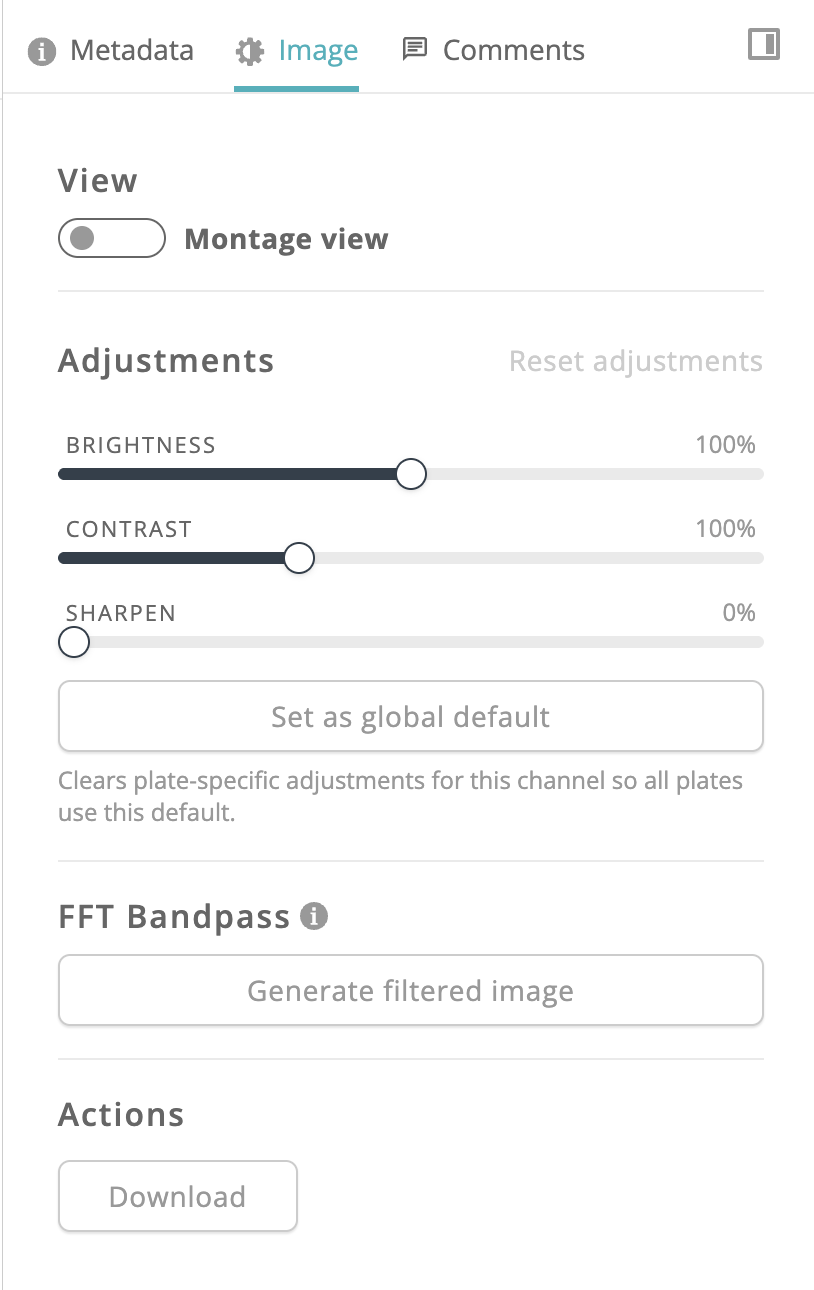
Plate > Export Image used to force every well tile into a square, stretching the crop to fit whenever a well's true shape wasn't square. The plate view itself never had this problem — it already sizes each site to its real aspect ratio and letterboxes the montage inside the well.
Exports now use that same true tile shape. Wide montages export a wider, shorter image and tall montages a narrower, taller one, matching what you see on the plate page. Imagery resolution is unchanged, and square-tile plates export exactly as before. The same fix applies to the AI Assistant's plate overview image in generated reports.
Z-stack thumbnails no longer reload unnecessarily when the well page refreshes, keeping Z-level switching instant.
The data ingestor's browse dialog now opens directly to your configured data directory instead of Downloads.
