
Some montage captures pack in more tiles than can be rendered legibly. Plate and well views now detect this and fall back to a single representative tile per well, with a clear "Too many images per well" notice, rather than showing tiny unreadable thumbnails.

You can now apply an image filter setting to every plate or every well in one step, instead of adjusting each one individually. The action includes a confirmation step so you can review the change before it's applied, and existing per-item overrides are preserved rather than being wiped out.
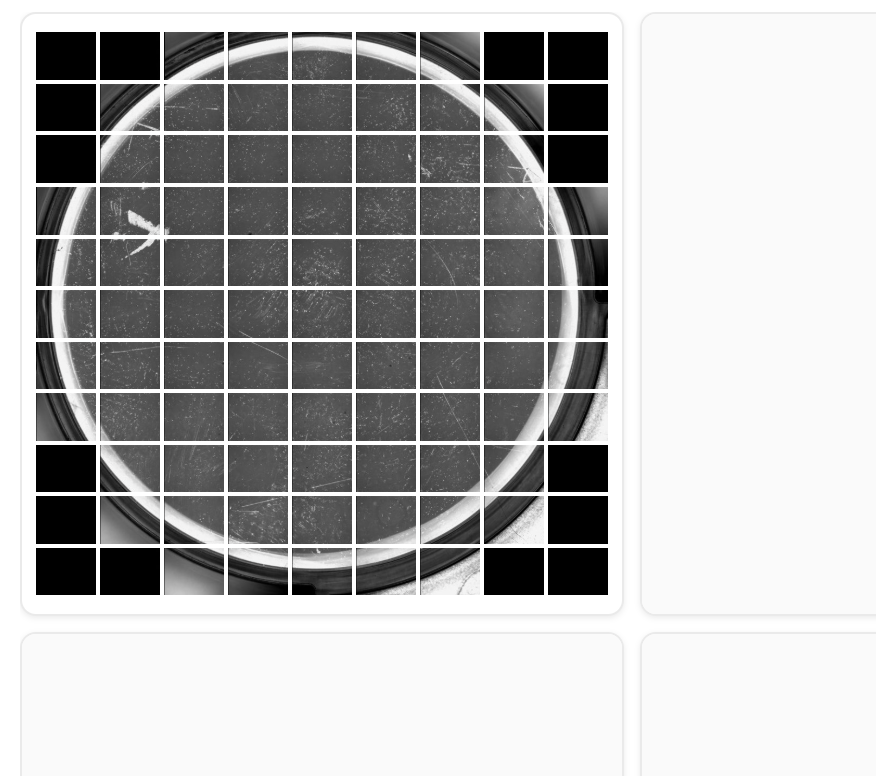
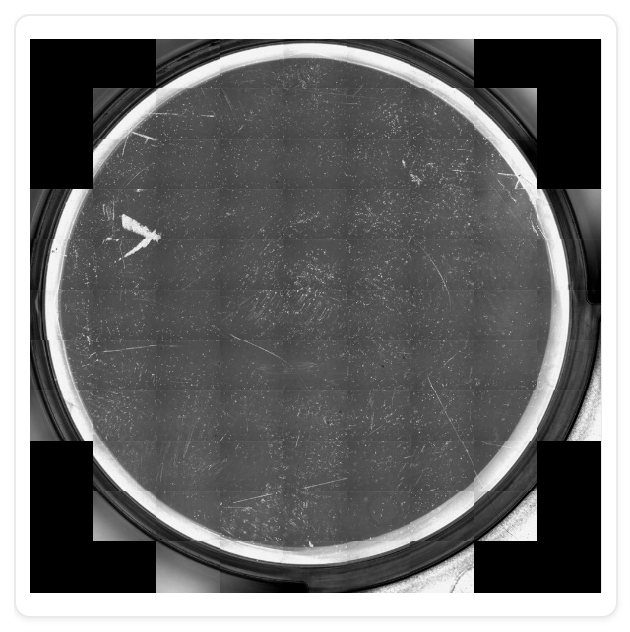
Plate View can now render imagery from non-square cameras (e.g. Keyence 4:3) at the correct aspect ratio, bringing it in line with the toggle already available in Well View:
The AI Assistant no longer forgets what you were discussing. Reopening it after a page reload, a tab restore, or opening a link in a new tab on the same site now resumes your existing conversation instead of starting a new one, with a brief loading state while it restores. A conversation that's no longer available simply falls back to a fresh chat.
The FFT bandpass filter now stays applied as you move between plate and well views.
Fixed confidence threshold filtering and eliminated stale or cross-plate classification data during review.
Well pages no longer stall for 16-20 seconds or time out when quickly reviewing wells across a plate.
Cytation datasets with empty or malformed result files now ingest successfully, with plate dimensions preserved from instrument metadata.
Failed requests now show clear errors with retry instead of silently appearing blank or empty.
