
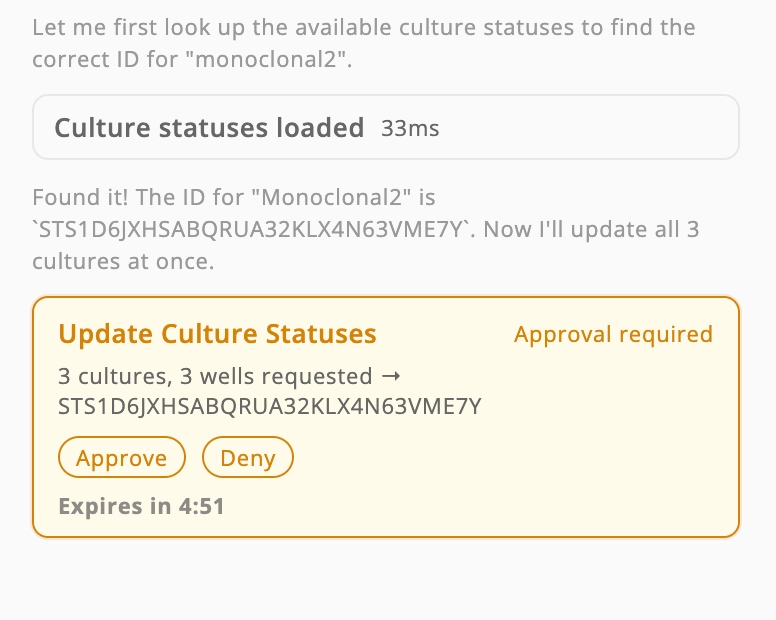
When the AI assistant updates the status of multiple cultures at once, it now batches all the changes into a single tool call and prompts for one approval — instead of issuing one approval per culture. Previously, the assistant would hang mid-task: the first approval would go through, but sibling updates were silently dropped, and subsequent approval prompts never appeared. The new batched update confirms all cultures atomically, making bulk status changes reliable and predictable.
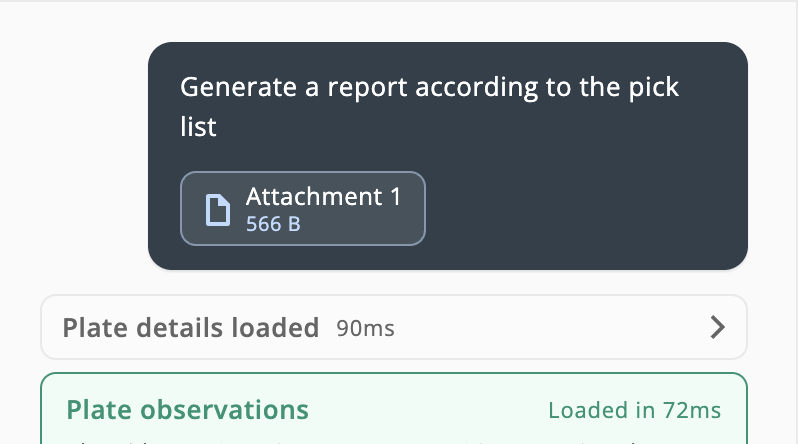
The AI Assistant can now generate reports directly from an attached plate-well picking-list CSV. Attach the file to your message and the assistant will produce a report scoped to the wells listed — making it straightforward to summarize results for a specific selection without manually specifying each well.
The assistant also adapts its format and verbosity to the request type, so report outputs are more structured and complete compared to conversational queries.
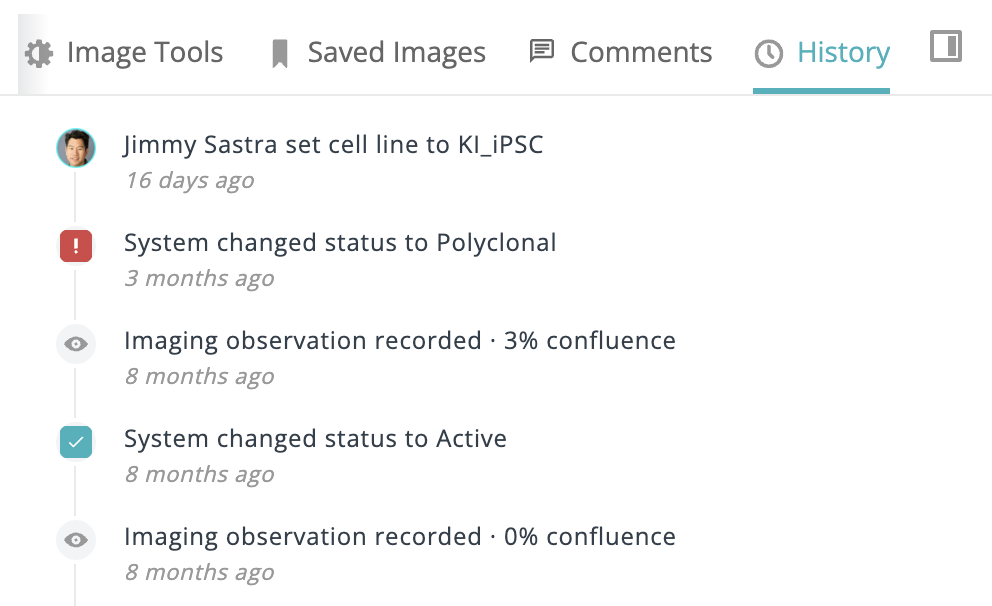
A new History tab in the culture sidebar displays a newest-first timeline of every status change, metadata edit, and observation recorded for that culture — including who made the change and when. You can scroll back through a culture's full history without leaving the plate view, with infinite scroll loading older events on demand.
This was a frequently requested feature from customers tracking long-running cultures across multiple scans and team members. It is currently available on request — contact your account team to enable it.
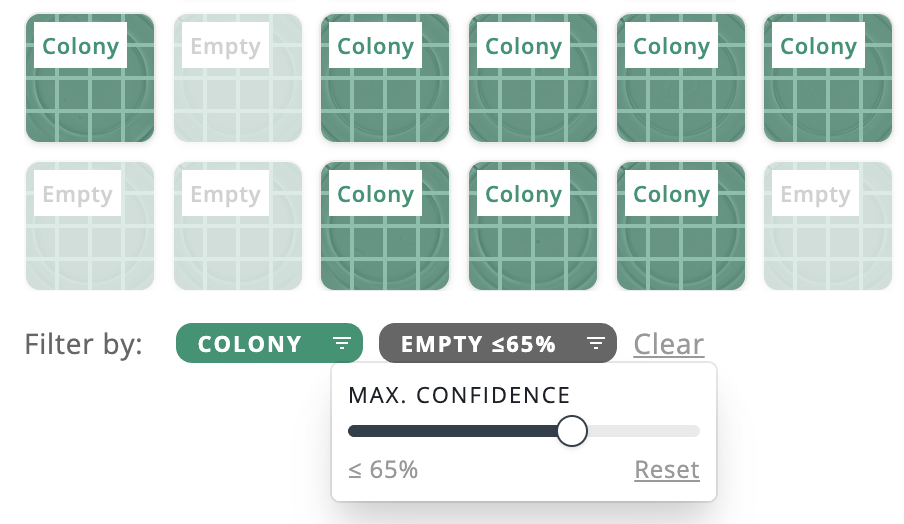
Classification well filters now include a confidence threshold slider for each label. Set a minimum confidence percentage per label and only wells where the model's prediction meets that threshold will appear in the filtered view and well navigation.
This is especially useful for workflows where you want to review borderline predictions separately — for example, showing all colony-labeled wells alongside empty wells where the model had low confidence, without being flooded by high-confidence negatives.
The plate page now shows a polished skeleton layout while data loads, reducing visual pop-in.
The confluence graph now shows a visual marker at the current observation on load, making it easier to orient your position in the timeline.
Clicking a navigation link in the full-screen assistant now collapses the panel automatically so you land in context.
AI Assistant reports now reliably embed representative plate images and display cleaner, more complete content in the Monoclonal Culture Harvest Report.
The culture review overlay and keyboard shortcuts now appear only on the main well view, not on lineage thumbnail images.
Exported plate images now include the observation number in the filename, keeping multi-observation downloads organized and consistent with well image export naming.
The AI assistant now reliably displays entity chips throughout the full response and references only the cultures it actually mentioned — including on observation-heavy plates with large payloads.
The montage viewer on the well page now correctly refreshes when switching between images.
Skip-to-first/last observation buttons now have larger, non-overlapping interaction areas and hotkey tooltips for cleaner keyboard navigation.
The dashboard histogram no longer clips on narrower screens — its width now scales responsively up to a maximum.
