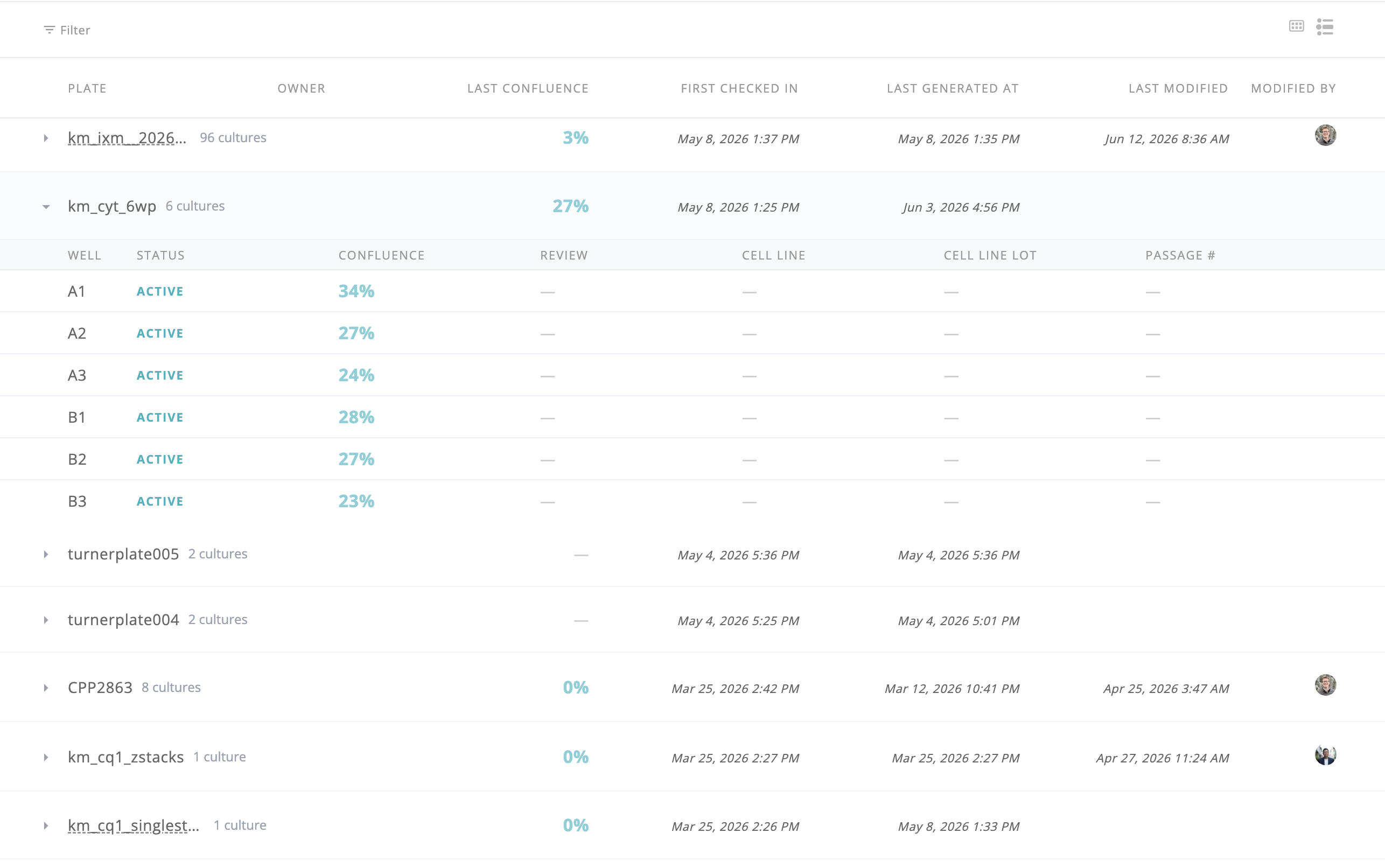
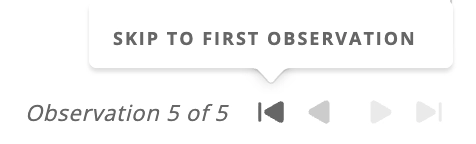
New skip buttons on plate and well views let you jump directly to the first or last observation without stepping through each one.
Ask the AI Assistant to export plate or culture lists — including specific culture subsets — as a downloadable CSV file, right from chat.

Reviewers can step through filtered culture rows from the well page without losing Cultures context — with keyboard shortcuts, hover prefetch, and return-to-list that restores search, filters, and scroll position.
Plates, wells, cultures, and the dashboard now fully support adherent and suspension cell types together, with per-cell-type metrics, updated histograms, and a new Cell Type column in Cultures.
The AI assistant can now filter cultures server-side by threshold — questions like "which wells are above 80% confluence?" are now fast and accurate.
Brightness, contrast, and channel filters applied with "Apply to all" are now shown in the plate thumbnail view and included in plate exports.
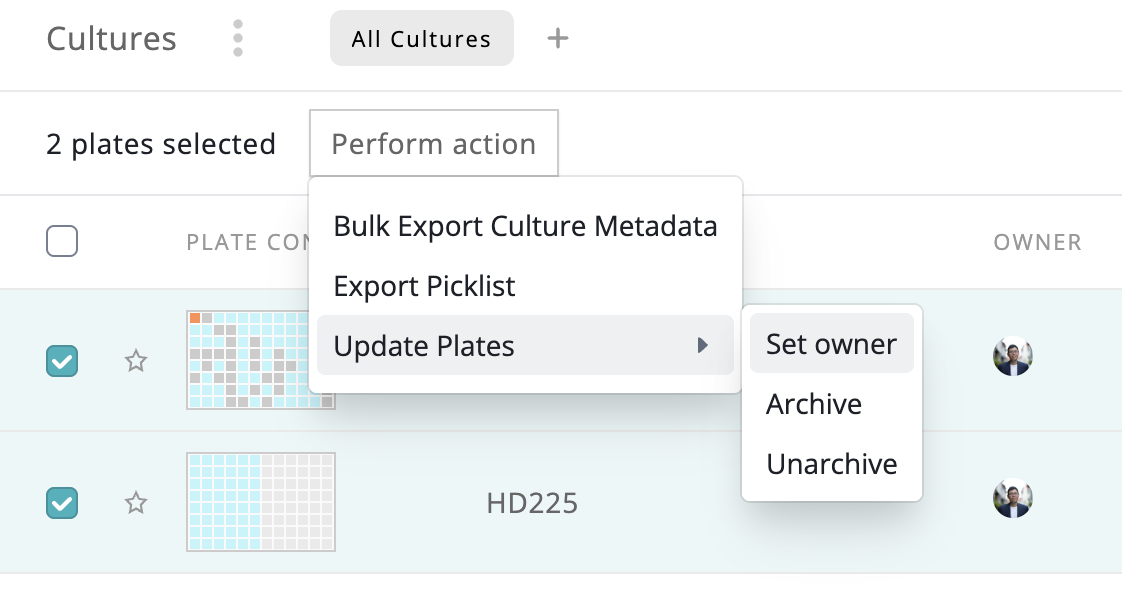
Select multiple plates and assign or clear ownership in one step from the Cultures page.
The assistant can now generate interactive report cards with embedded plate images that can be printed or exported as PDFs.
Filter cultures by plate format (6, 12, 24, 96, or 384-well) from the cultures page filter menu.
Toggle between plate view and a grouped culture-level view with per-well details on the cultures page (early access).