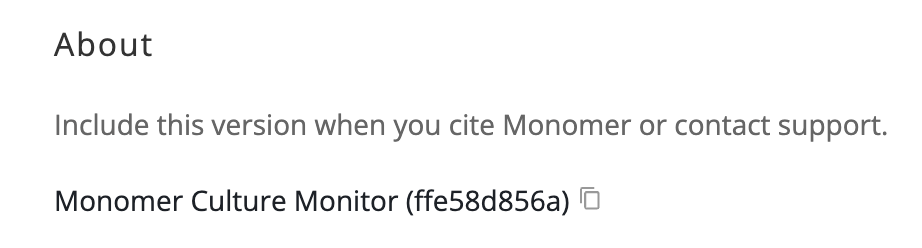
Settings now has an About section showing the exact version of Monomer Culture Monitor you're using: a dated release number plus a short code identifying the build. The copy button puts exactly that text on your clipboard, ready for a methods section or a support request. The same version appears on the error page, so it's at hand if something goes wrong.
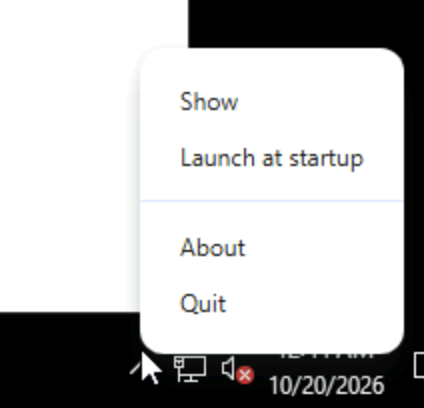
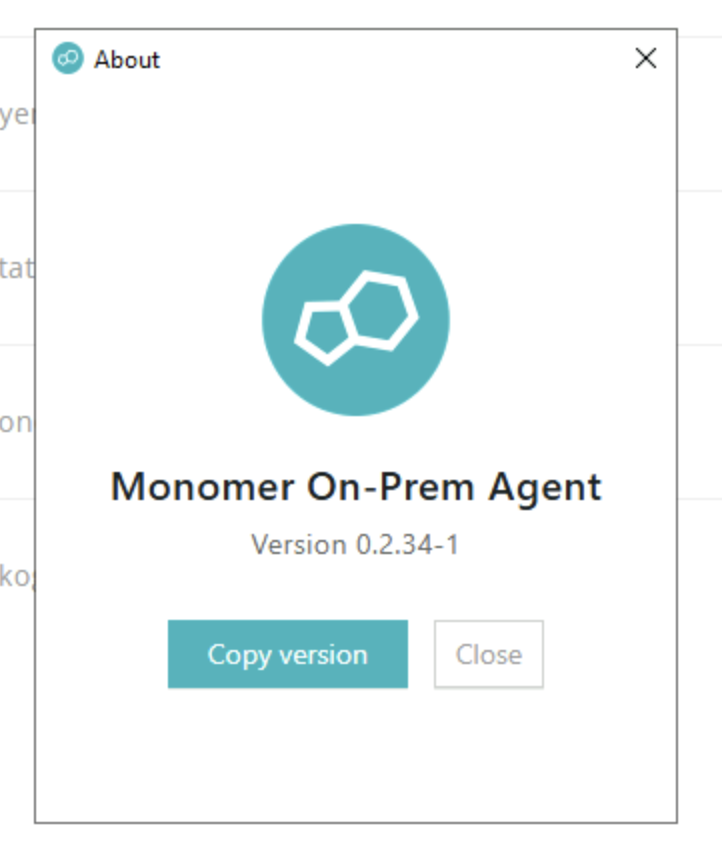
If you use the Monomer On-Prem Agent, it now shows its own version too, in its About window and Cloud Settings.