
Bulk-updating culture metadata from a spreadsheet no longer means editing values blind. From the Cultures page menu, choose Import metadata from CSV…, upload your file, and match each column to a metadata field. Before anything is written, you see each affected culture's current and new values side by side, along with any problems in the file.
Filtering the Cultures page now works the same way everywhere. Culture info, Owner, Last modified by and custom metadata filters all open a searchable checkbox list, so you can pick several values at once.
Leave a blurred or over-exposed capture out of a timelapse, or limit the video to part of an experiment. A timeline under the export preview has handles that trim the start and end. "Include this observation in video" leaves out the one on screen, and "Include all" resets the selection. The preview loops only the observations you keep, and well and plate exports use the same selection.
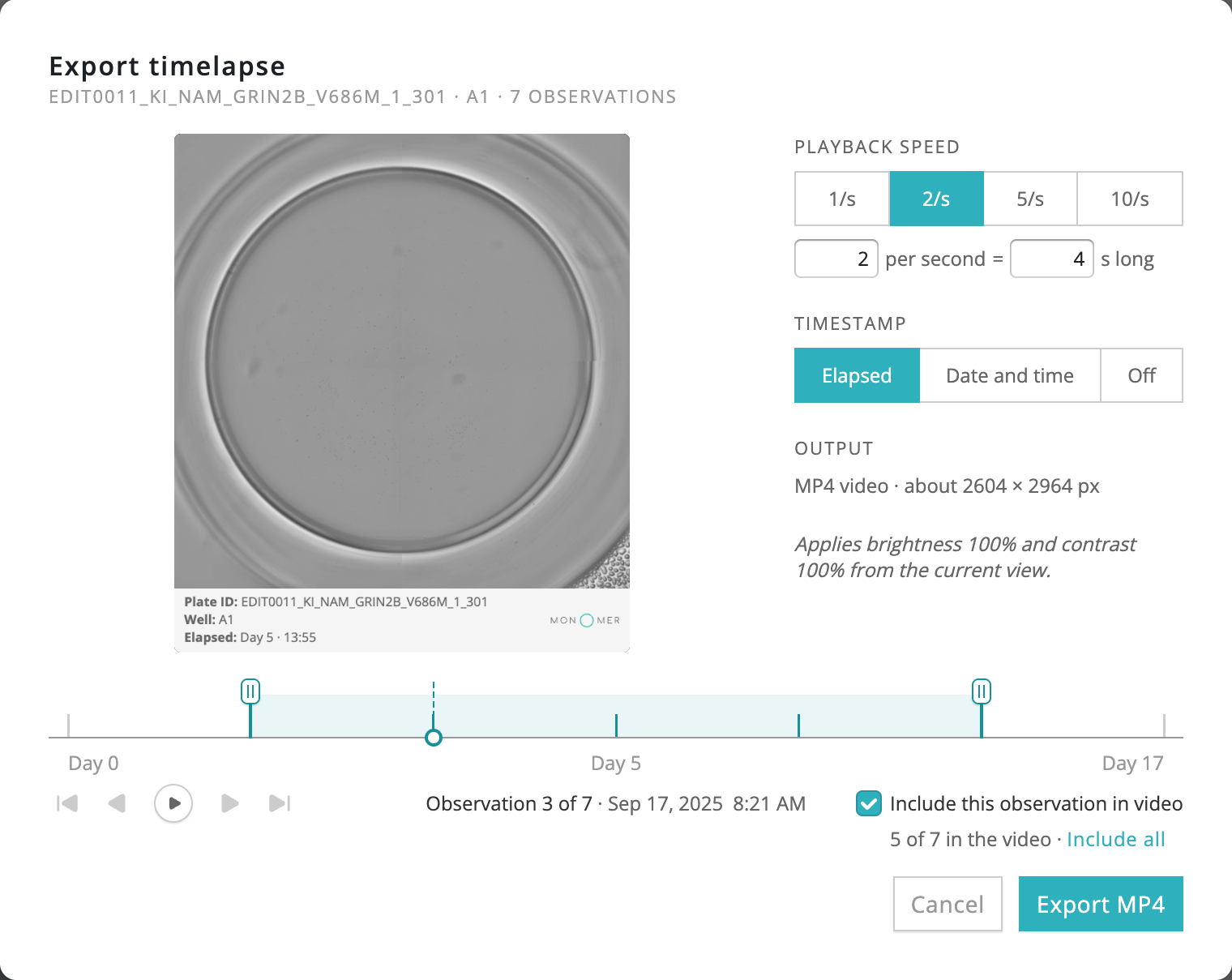
Elapsed-time labels count from the plate's first observation, so trimming the start doesn't relabel Day 3 as Day 0. A video needs at least two observations.
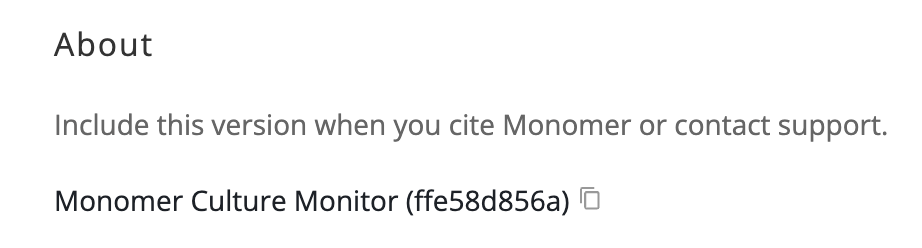
Settings now has an About section showing the exact version of Monomer Culture Monitor you're using: a dated release number plus a short code identifying the build. The copy button puts exactly that text on your clipboard, ready for a methods section or a support request. The same version appears on the error page, so it's at hand if something goes wrong.
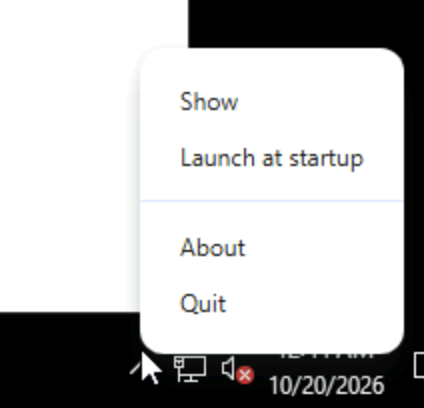
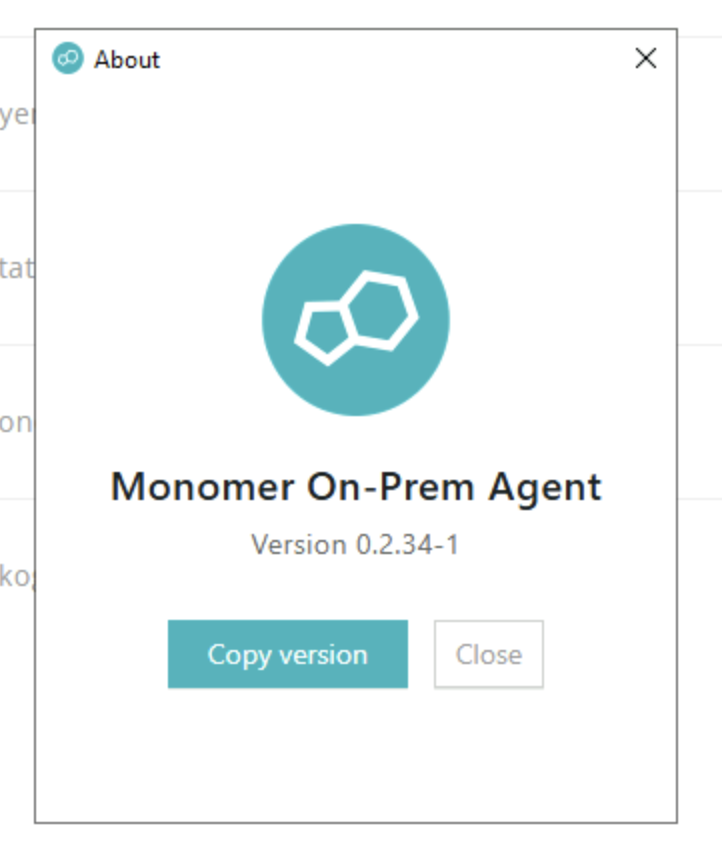
If you use the Monomer On-Prem Agent, it now shows its own version too, in its About window and Cloud Settings.
Fold change analysis used to be exported one graph at a time. A single Export button on the fold change sidebar now bundles the comparison plate image (with its fold change overlay, baseline timing and caption), the metric plots and a CSV for each metric into one zip named after the plate and export time. The graphs and CSVs match what each individual download produces, and the button shows progress while the zip builds.
The Assistant's empty state used to offer the same questions on every page. On a plate or culture page it now offers the page's own question, a general one, and a third generated from a short summary of what you're viewing, such as status, confluence changes and metadata. The generated question is marked with a sparkle, and a refresh button asks for a new one. When you return to a plate after 12 hours or more, the page's own question asks what changed since your last visit.
Assistant conversation titles are shorter, fit the panel header, and keep plate and cell line names exactly as written.
Exported graphs, plate images, certificates, Assistant reports and timelapse videos now carry the version that produced them.
More filter pills fit on each Cultures row, and the channel filter shows full channel names.
Bulk FFT can process each plate's most recent observation, or both its first and most recent (early access).
The on-prem agent now shows its name and version in an About window and in Cloud Settings, with a Copy version button, so you can cite the exact version.
Culture plate lists can be sorted by average confluence or cell concentration across every page, in either direction.
These graphs now highlight the hovered well, have an Auto/Fixed Y range, and save as PNG or CSV.
Replies name plates by barcode and cultures by well, link the plate you're viewing, and stream straight into the answer bubble.
Esc returns you to the page you came from, and results keep your scroll position when you come back from one.
